Whiteboard
Sketch a sequence or work a problem out together.
Part of Project Management.
Found in each project and your organisation. What's the difference?
Anyone with the permission sees every board, guests included; sharing adds others board by board.
Whiteboard holds drawing boards for sketching: free canvases with shapes, arrows, text and images. Each project has its boards, and so does your organisation.
- In the sidebar, select Whiteboard, then New Whiteboard.
- Enter a Name.
- Select Create.
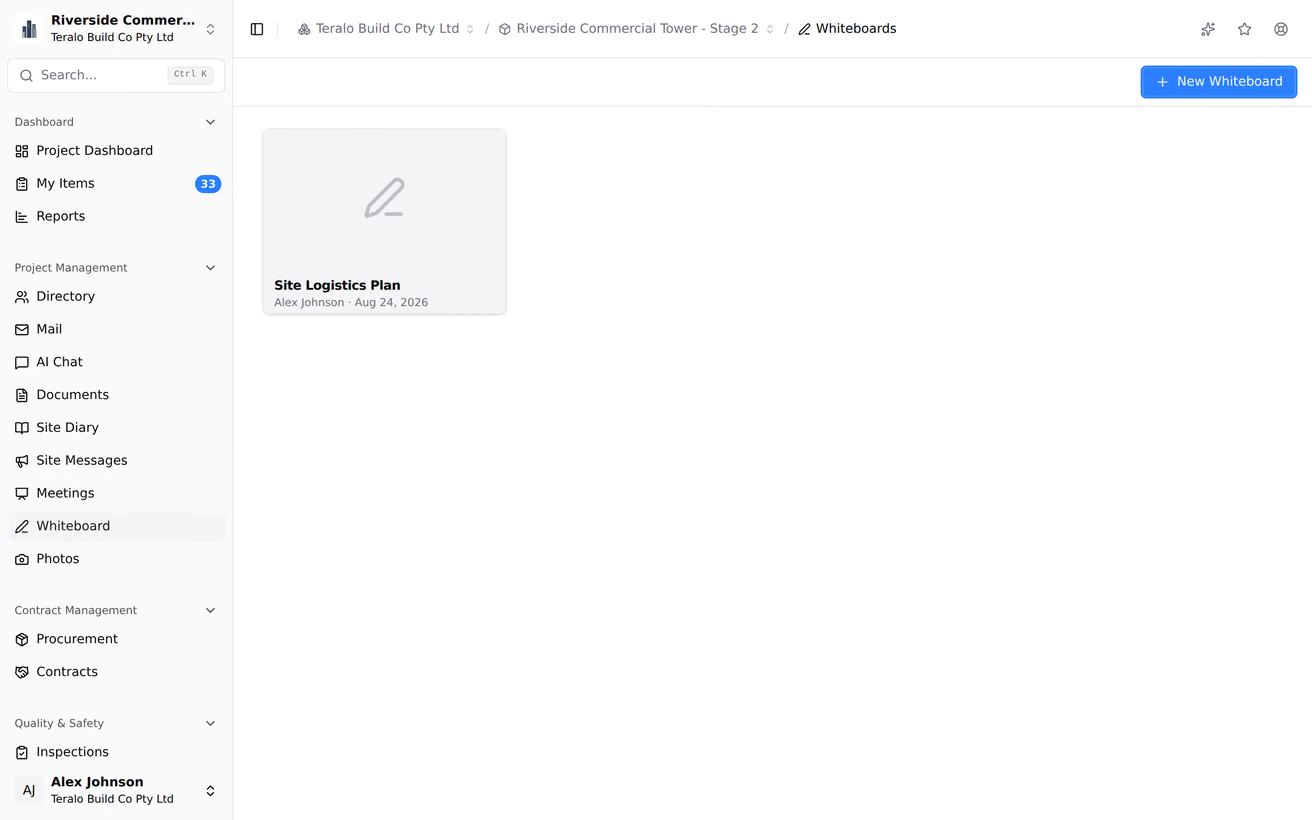
The board opens. The Whiteboard page lists every board with its name, a thumbnail, who created it and when it was last updated, newest first.

The toolbar holds Hand (panning tool), Selection, Rectangle, Diamond, Ellipse, Arrow, Line, Draw, Text, Insert image and Eraser. More tools adds Frame tool, Web Embed, Laser pointer and Mermaid to Excalidraw.
To add an image, drag it onto the board or use Insert image. PNG, JPEG, GIF, WebP and BMP images are kept. SVG images aren't saved.
Teralo saves the board about 2 seconds after you stop drawing. The indicator beside the board's name reads Saving..., then Saved. Save Failed means the change wasn't stored, and the next change tries again.

Changes aren't shared live. Each save replaces the whole board, so when two people draw on a board at once, the later save overwrites the earlier one. To see someone else's changes, reload the board.
Anyone with Can view project whiteboards sees every board on the project, and anyone with Can create and edit project whiteboards can draw on every board. Sharing gives one board to a person without those permissions.
- On the board, select Share.
- Under Search members..., enter a name.
- Select View or Edit beside the person.
Teralo emails them. People with access lists everyone the board is shared with: change their access with the list beside their name, or select the X to remove it.
Someone with View access sees the board read-only, marked View Only.
When you send mail with a board attached, each To and Cc recipient with a Teralo account gets View access to the board. This replaces any Edit access they had.
Attaching a board to a meeting gives the attendees no access.
Teralo has no export button. To export an image, press Ctrl+Shift+E (⌘⇧E on a Mac), or right-click the board and select Copy to clipboard as PNG or Copy to clipboard as SVG.
- On the Whiteboard page, point at the board's card and select the pencil icon.
- Enter the Name, then select Rename.
Warning: Deleting a board is permanent. Boards keep no earlier versions.
- On the Whiteboard page, point at the board's card and select the trash icon.
- Select Delete.
Reset the canvas, in the board's menu, clears everything on the board. It's saved straight away, and can't be undone.
A guest with Can view project whiteboards sees every board on the project. A guest without it sees only the boards shared with them.
Whiteboard has no settings page at either level.
| Permission | Allows |
|---|---|
| Can view project whiteboards | Seeing every board on the project |
| Can create and edit project whiteboards | Creating, drawing on, renaming and sharing boards |
| Can delete project whiteboards | Deleting boards |
The organisation's boards have matching permissions: Can view organisation whiteboards, Can create and edit organisation whiteboards and Can delete organisation whiteboards. Sharing gives access to one board on top of these.