Changelog

Keep track of the latest updates and improvements to Teralo

August 2026

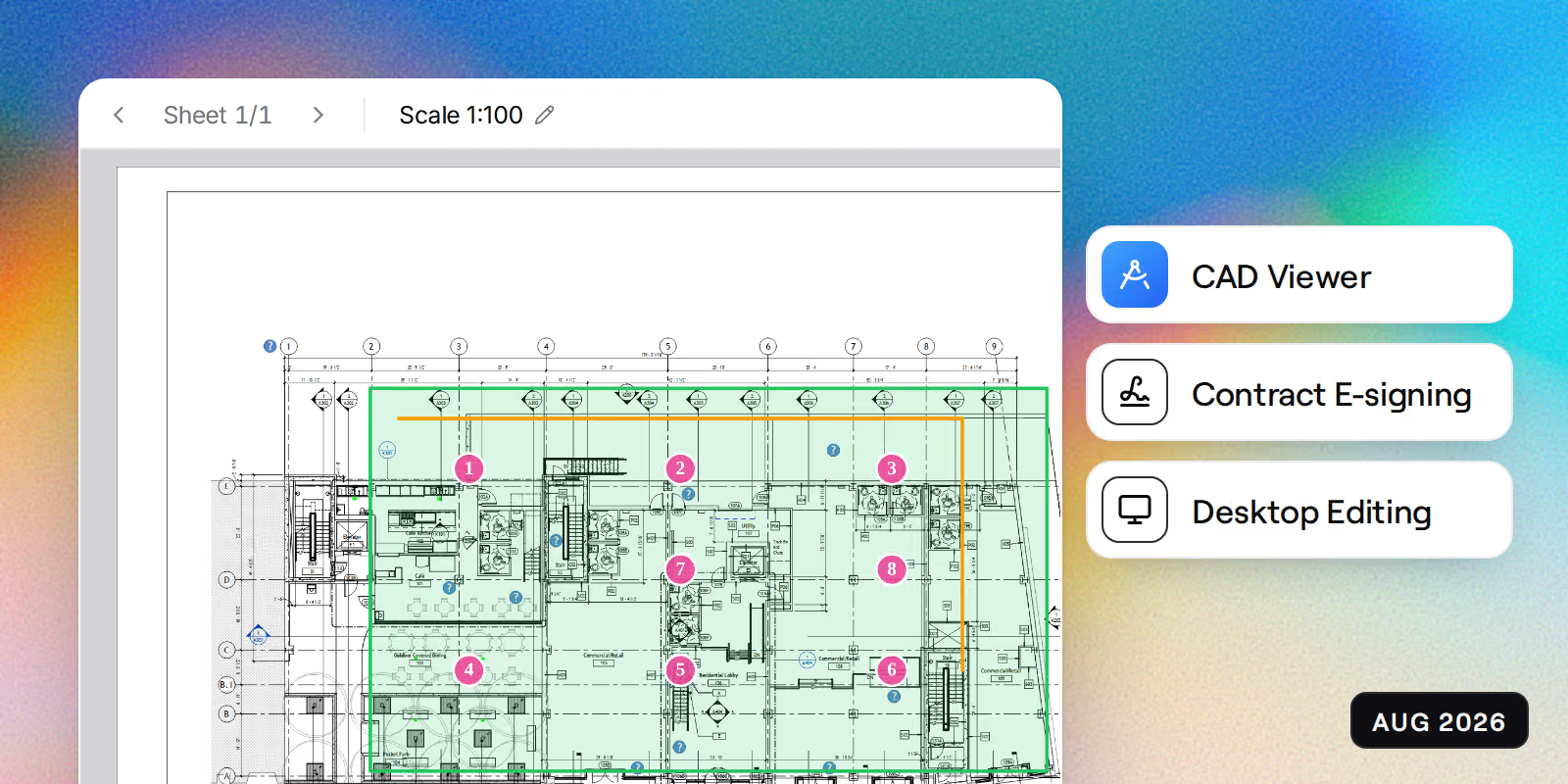
CAD drawing viewer and take-off, contract e-signing end to end, desktop document editing

New Features

  • CAD drawing viewer for DWG files, with snapping and distance, polyline, area, and count measuring
  • Take-off now runs on DWG drawings as well as PDFs, with area by line pick and automatic counting by image, text, or block
  • Drawings split into sheets automatically on upload, with every sheet named and registered by AI
  • One-click revision compare in the drawing viewer, with a tinted before-and-after overlay
  • Search the text inside a drawing sheet, and mark it up with the new callout tool
  • Raise a record by pinning it straight onto a drawing
  • Measure and cut section planes in the 3D model viewer, with snapping to corners, edges, and surfaces
  • Check an Office document out to the desktop app, edit it, and save it back
  • Organisation documents gain a project inbox, a full change log, and a trash you can restore from
  • Bookings gain a runsheet, an execution view, and somewhere to record unscheduled arrivals
  • Scan a location QR code to see every record sitting at or below it, alongside a new project location hub
  • Permission templates now have a lifecycle, so you can draft, publish, and retire them

Security Updates

  • Contract e-signing now matches dedicated e-signature providers on security, with trusted timestamping and one-time-code verification
  • Closed further cross-organisation access gaps found by an automated sweep of every route
  • All 120 outbound email templates now escape their content at render
  • Whiteboard and viewer assets now load from Teralo rather than third-party networks
  • Scheduled background jobs are no longer reachable from the public internet
  • A document pinned for offline use is taken back from the device when it is deleted or your access is revoked

Performance Improvements

  • Selecting an element in the 3D model viewer is now immediate, even on large models
  • Registers and detail pages load faster after indexing the busiest database joins
  • Long contracts scroll smoothly in the signing view, however many pages they run to
  • Uploads over 500MB now complete reliably and report a true speed while they run

UI Enhancements

  • PDF, DWG, and IFC drawings now share one set of viewer controls, with one icon and one label per concept
  • Documents toolbar reorganised into a single button per tool family
  • Look-ahead program gains hover peeks on busy days, month-flip on the scroll wheel, and collapse or expand all
  • Undo and redo in the look-ahead program, alongside an active-only filter and day and week steppers on the start date
  • Step-by-step wizards now size themselves to the window and keep their navigation in view
  • The sidebar badges how many documents are still waiting to be classified
  • Mail detail and the bookings daily digest both rebuilt to work properly on a phone

UX Improvements

  • Desktop app installs without administrator rights and updates itself quietly in the background, with live release notes
  • Tenders close into a sealed box that cannot be opened early, and a late tender is accepted and stamped with how late it arrived
  • Dates and deadlines are now worked out in the project time zone rather than wherever the server happens to sit
  • Procurement packages work out their own stage, and can be paused and restarted
  • Sent contracts chase themselves with reminders, resends, and expiry warnings, and every signer sees the deadline
  • Sign a contract by typing your name as well as drawing it, and send a package with its own documents merged in
  • AI chat rebuilt around a single composer with Ask and Act modes, slash commands, live suggestions, and citations back to the records behind each answer
  • The model assistant in the BIM viewer can now filter by element name and type
  • The workflow builder assistant can be stopped mid-run, and shows what each run costs against your AI credits
  • SWMS sign-ons clear when a document is superseded, and anyone on the project can be nominated to sign
  • Emails triggered by a person now arrive under the name of the person who triggered them, and reply by email works for everyone on a mail item, not just external contacts
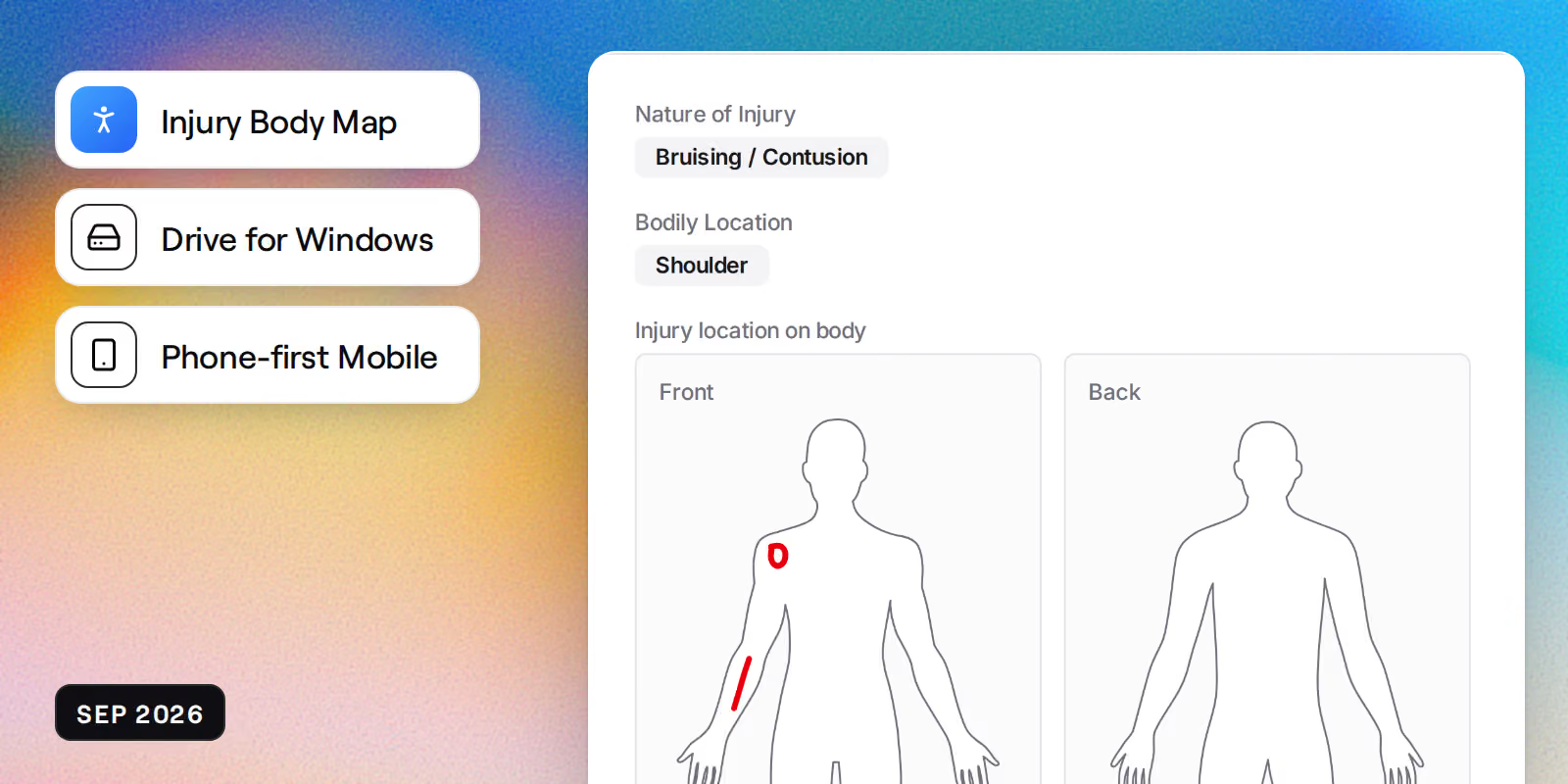
  • Attachments can be added while creating an incident or injury, rather than only afterwards
  • The trial sandbox now builds in the background on the real workflow engine, so you can close the tab or switch device and come back to it
  • Join requests now appear on the dashboard and in settings, so you can see where yours stands

Bug Fixes

  • PDFs now render through a dedicated viewer rather than a browser embed that could come up blank
  • Emailed replies now arrive in readable colours, whatever theme the sender wrote them in
  • Deleting an organisation no longer removes the user accounts that belonged to it
  • Records now survive a person being removed from a project, and show that person as removed
  • Register numbering rebuilt per module, so references no longer repeat or skip
  • Subcontractor portal back links, breadcrumbs, and register filters now behave consistently
  • Corrected a billing overcharge on annualised project value, and repriced overage
  • Fixed 11 broken links in outbound emails, with an automated check that catches new ones
  • The procurement recommendation tab no longer refetches itself in a loop, which could use up the request allowance for a whole office
  • DWG measurements now read correctly when the unit you pick differs from the one the drawing was drawn in

July 2026

Estimating module, passive fire tool, unified workflow engine

New Features

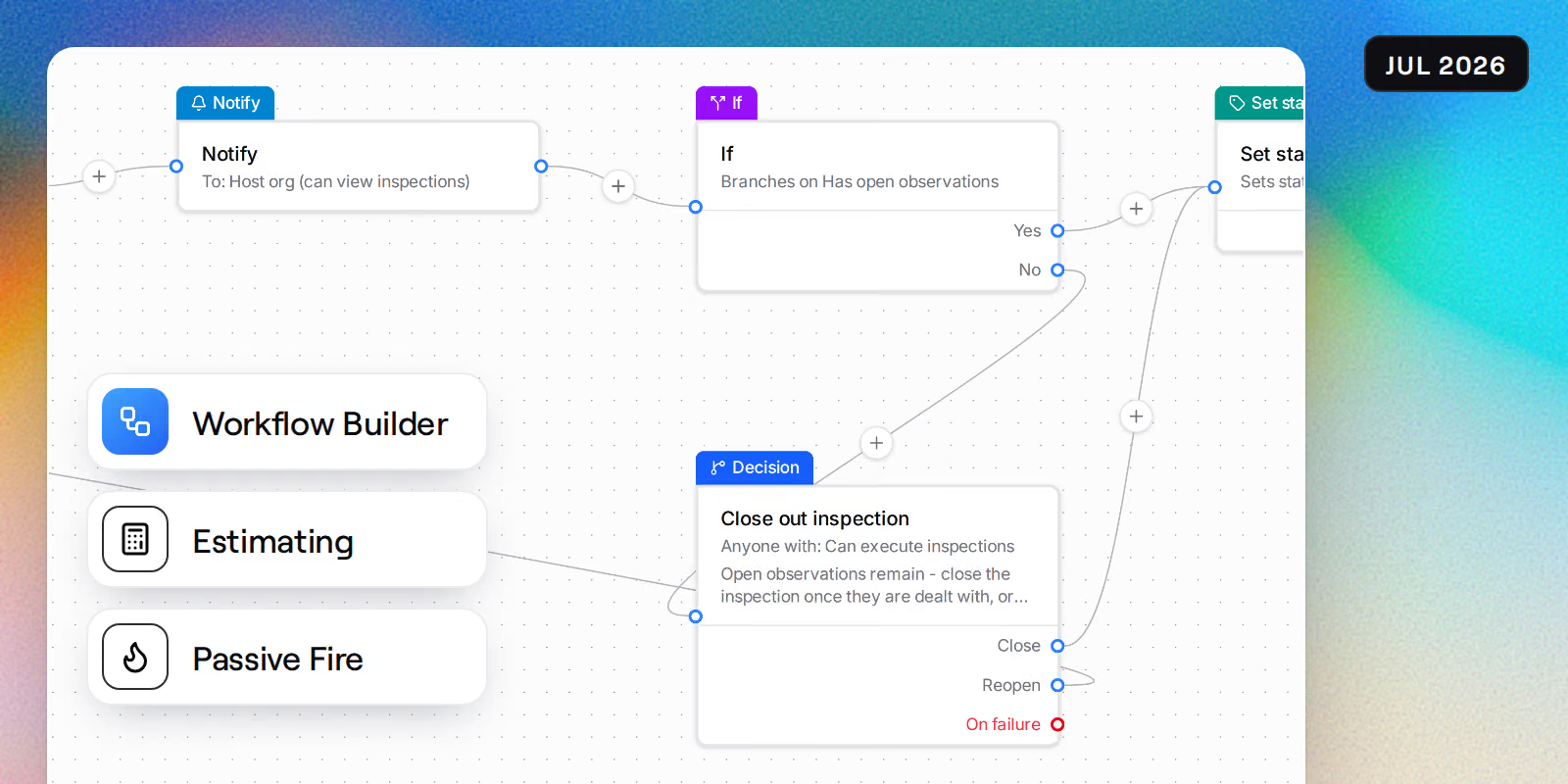
  • New estimating module with a bid pipeline, on-screen take-offs, and a spreadsheet-style workbook
  • Passive fire tool for stamping drawings, tracking penetrations, and producing handover bundles
  • Visual workflow builder with a drag-and-drop canvas, ready-made presets, and AI-assisted setup
  • BIM viewer now includes a model structure tree, in-viewer AI chat, and revision comparison
  • Tender levelling in procurement with an Excel-style schedule and AI-assisted quote comparison
  • Kiosk sign-in and sign-out using on-device facial recognition
  • Connect Claude, ChatGPT, and other AI assistants to your projects with the new MCP server
  • Organisation-level shared calendars, with QR landing pages for meeting sign-in and location check-ins

Security Updates

  • Completed periodic security review with minor findings remediated
  • Closed cross-tenant access gaps across API endpoints, form actions, and document annotations
  • Automated checks now block new endpoints from shipping without organisation scoping

Performance Improvements

  • Detail pages, dashboards, and organisation registers now stream in, so navigation feels instant
  • Registers use a single scroll area on mobile for smoother scrolling

UI Enhancements

  • Organisation dashboards can be shared publicly, by role, privately, or with guests
  • Refreshed home dashboard with a quick-access chip strip and a personal work rail
  • Compact mobile bottom navigation with a tray you can customise
  • Collapsible sidebar groups that remember how you left them

UX Improvements

  • Document markups rebuilt with layers you can hide and lock, vertex editing, and text styling that survives export
  • Markups drawn offline now queue and sync when you reconnect, with a visible sync queue
  • Every module now runs on one workflow engine, so approvals, reminders, and notifications behave the same everywhere
  • Progress claims now run strictly in sequence, so periods cannot be claimed out of order
  • AI usage now shows a live credits indicator so you can see what your team is using

Bug Fixes

  • Fixed tooltips and hover cards overlapping or sticking on screen
  • Drawing measurements now keep their saved calibration and scale correctly on stretched sheets
  • Fixed vertical scrolling in data tables on touch devices, and scrollbar issues in the desktop app
June 2026

Offline mode, timesheets module, custom project dashboards

New Features

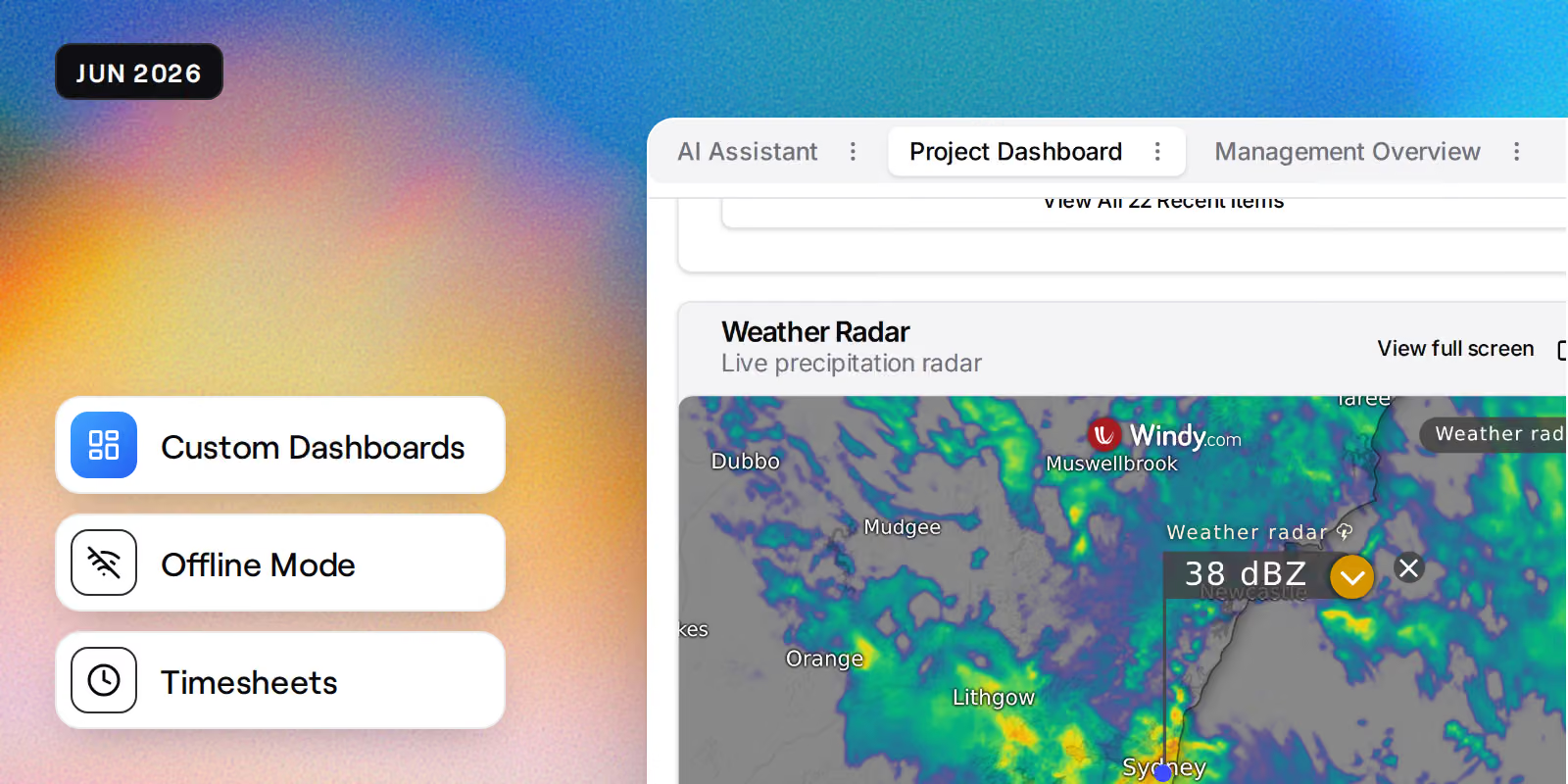
  • Offline mode across the mobile and desktop apps, keeping documents, inspections, photos, and observations available without a connection
  • New timesheets module for recording and approving site hours
  • Build your own project dashboards with multiple layouts, including a new weather radar widget
  • New look-ahead program for short-term planning, with PDF export
  • Procurement now runs tender to contract end to end, including in-house e-signing
  • Budget snapshot comparison view for tracking movements between revisions
  • Inspections dashboard with live charts and outstanding items at a glance

Security Updates

  • Completed a platform-wide permissions audit with tighter enforcement across every module
  • Dedicated delete permissions added for each module so you control who can remove records
  • Tightened access checks on documents, procurement, and direct costs so data stays scoped to your organisation

Performance Improvements

  • Instant navigation in the mobile and desktop apps, with pages streaming in and data cached between visits
  • Faster app start-up after a significant reduction in download size

UI Enhancements

  • Site-wide redesign of page layouts with consistent breadcrumbs, tabs, and action rows
  • Project tools now grouped into labelled categories in the sidebar
  • Registers scroll continuously with sticky headers, so long lists stay easy to read
  • Redesigned permissions grid for a clearer view of what each role can do

UX Improvements

  • Contract approvals consolidated into My Items, so nothing waiting on you gets missed
  • Payment claim statements are customisable at organisation, project, and contract level, and freeze on submission
  • Retention release requests now appear on claim views and claim PDFs
  • Tiered retention available as a selectable basis on contracts
  • Fair-use caps replace storage and SMS overage charges, and enterprise flat-fee billing is now available

Bug Fixes

  • Fixed markup drawing on mobile scrolling the page instead of drawing
  • Accounting exports now handle reopened claims, retention releases, and region-specific tax mapping correctly
  • Fixed duplicate billing events and corrected data table row ordering

May 2026

Office document editing, direct cost tracking, multi-factor authentication

New Features

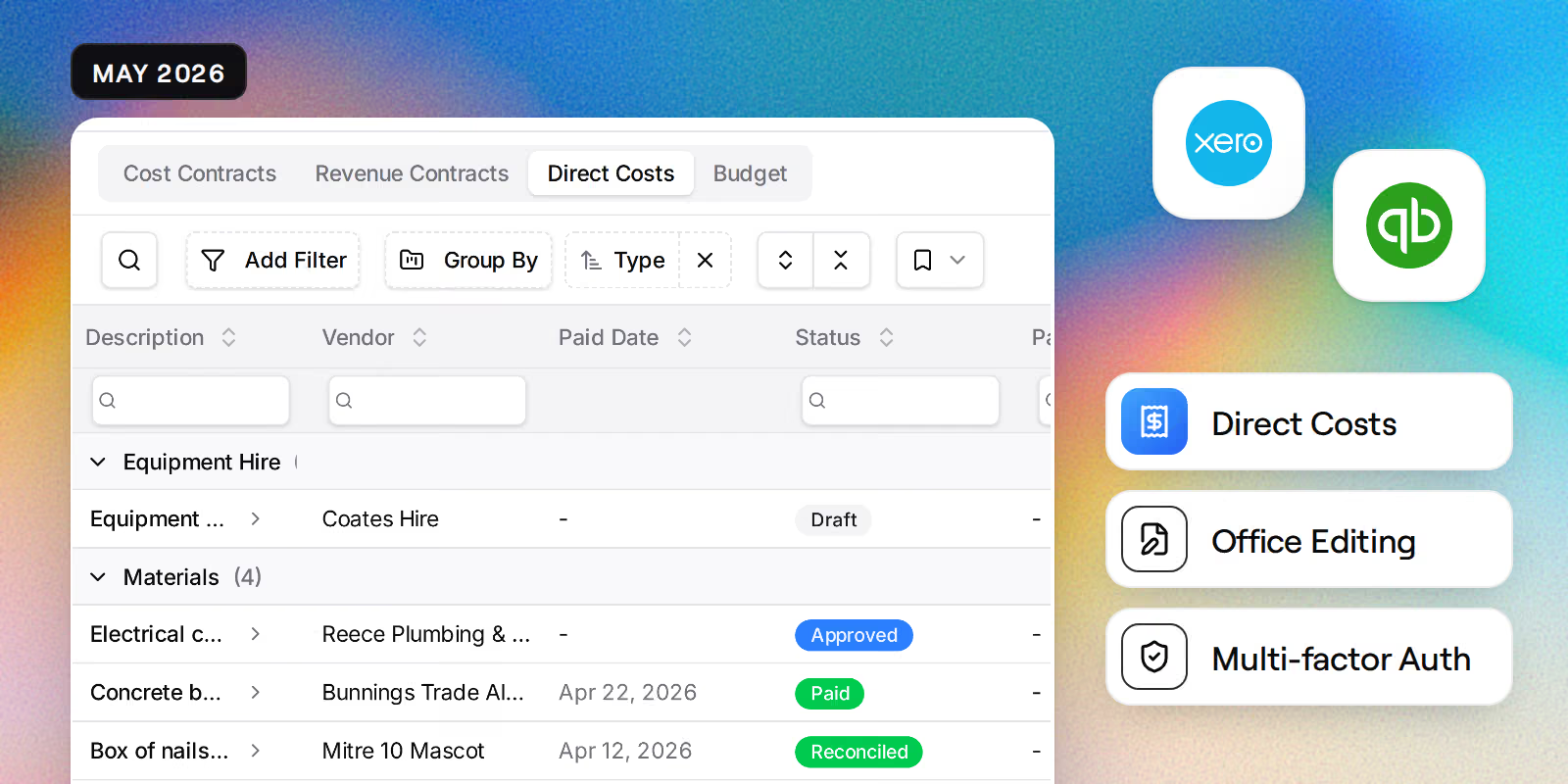
  • Edit Office documents directly in the browser with live collaboration
  • New direct costs tool with payment ledgers and automatic Xero and QuickBooks sync
  • Retention journals now post automatically to Xero and QuickBooks for progress claims
  • Error tracking added across the platform for faster issue resolution
  • Multi-select actions added across tables for quicker bulk updates

Security Updates

  • Multi-factor authentication now available with authenticator app support
  • Account recovery flow added for users who lose access to their authenticator
  • Blocked silent account linking during third-party sign in

UI Enhancements

  • Refreshed card and settings layouts for a cleaner, more consistent look
  • Settings pages now use responsive tabs with a mobile-friendly selector
  • Streamlined accounting mapping tables for contracts

UX Improvements

  • Subscription billing now supports 3D Secure, annualised project value, and budget import
  • Clearer warnings when force-unlocking or deleting locked records
  • Email notifications when an accounting export fails so nothing slips through

April 2026

Inspections and observations, public inductions, program permissions

New Features

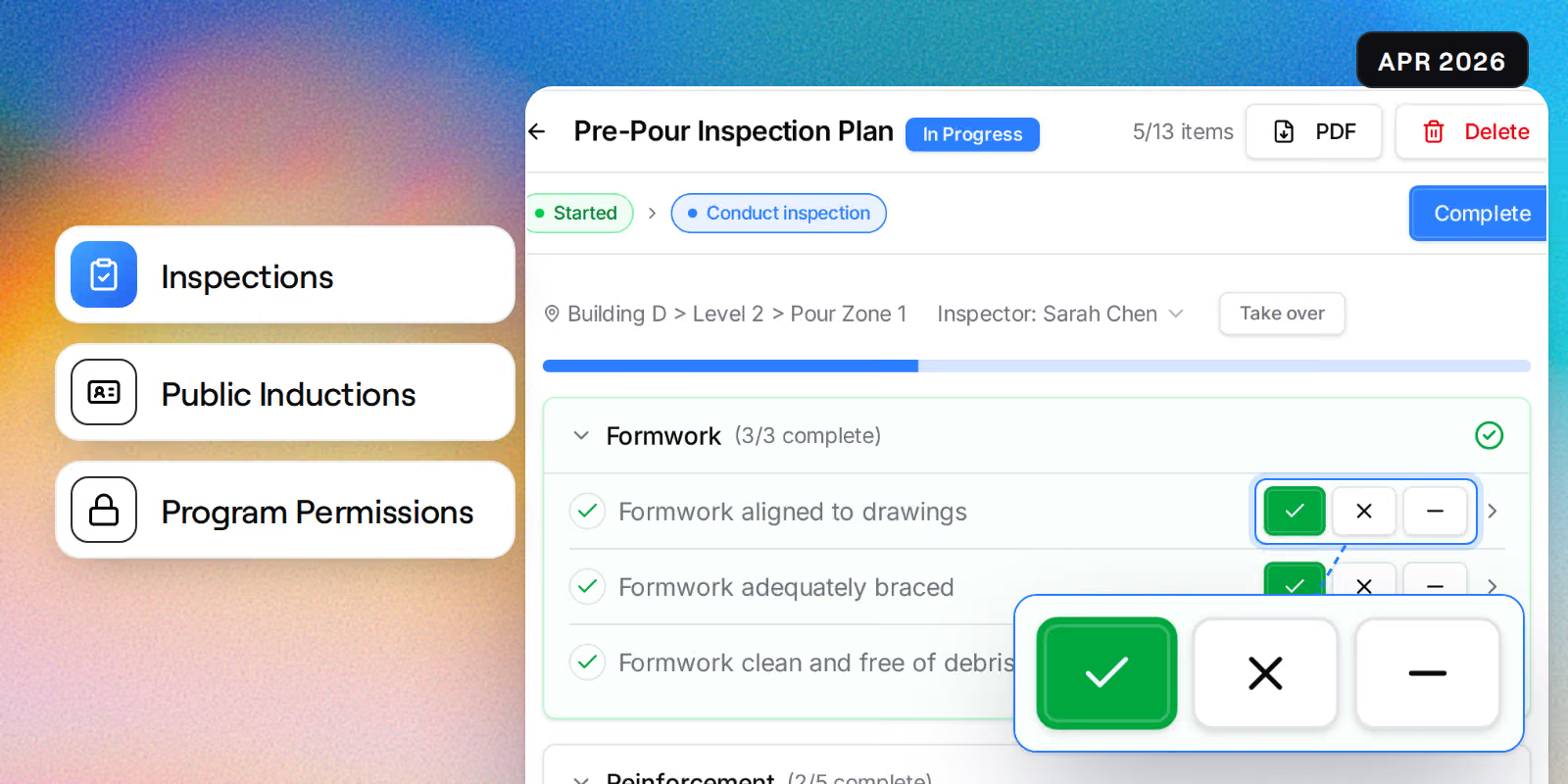
  • New inspections module with inspector organisations and ad-hoc inspections
  • Browse and start inspections by location with the new inspection browser
  • Observations expanded with organisation visibility and subcontractor self-resolve
  • Public API and public induction registration for external participants
  • Incident workflows with sign-off, type configuration, and distribution lists

Security Updates

  • Program folder permissions for finer control over schedule access
  • Hardened public induction registration against archived and expired projects
  • Resolved guest user permission and visibility issues across dashboards

UI Enhancements

  • Improved mobile responsiveness across mail, submittals, and PDF annotation
  • Mail now renders full HTML message bodies with a polished attachment view

UX Improvements

  • Observations workflow expanded to six states with full activity history
  • New workflow visualiser shows participant flow across modules
  • Start inspections directly from your dashboard

Bug Fixes

  • Fixed attachment handling across mail and the attachment picker
  • Resolved a sign-in loop in public induction registration

March 2026

Multi-currency billing, submittals module, mobile improvements

New Features

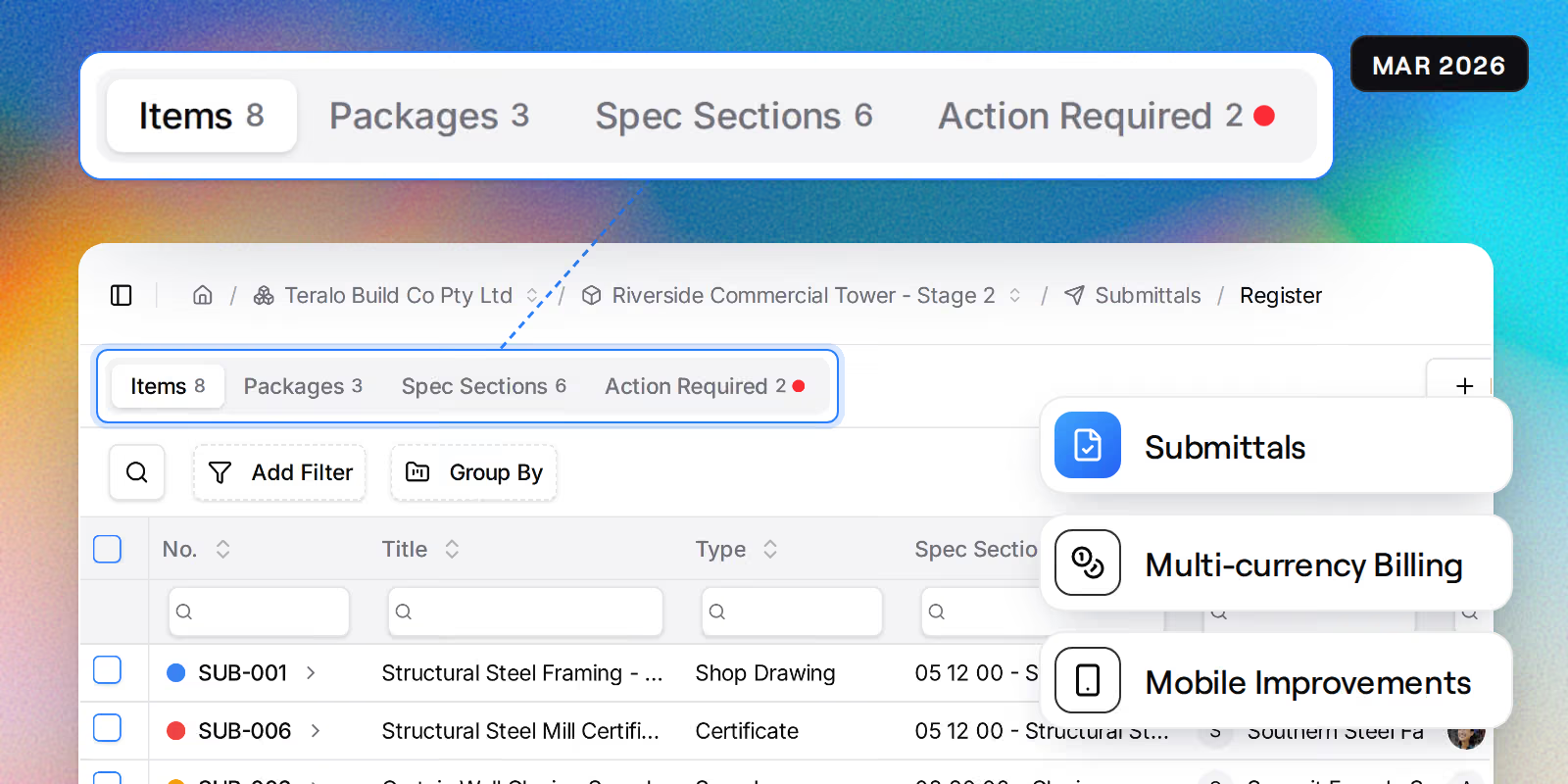
  • Multi-currency billing now supports AUD, NZD, USD, GBP, EUR, and CAD
  • New project-based billing model with clearer usage reporting
  • Billing dashboard for admins with charge breakdowns, storage usage, and CSV export
  • New submittals module for managing shop drawings, samples, and approvals
  • Meetings module for recording minutes, actions, and attendees
  • Program tool now supports XML import and enhanced gridline views

Performance Improvements

  • Pages load noticeably faster with streaming data and fewer round trips
  • Notification badge counts now update without slowing down navigation

UX Improvements

  • Improved mobile experience across all modules
  • Site diary navigation streamlined for quicker daily entries
  • Public portal now includes sidebar and breadcrumb navigation
  • Admin users can access admin tools directly from the user menu

February 2026

Apple Sign In, observations module, native app updates

New Features

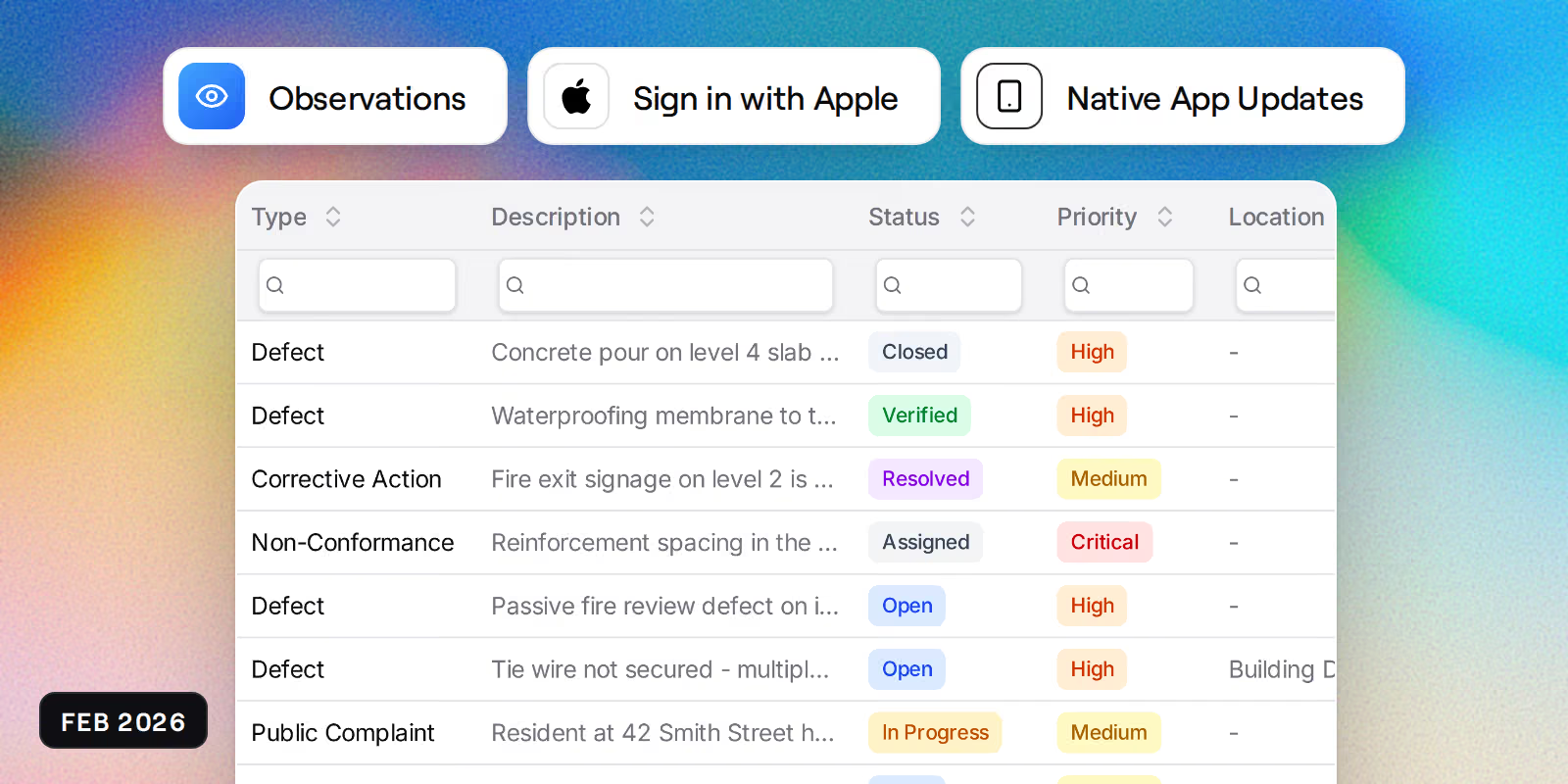
  • Sign in with Apple now available on iOS, Android, and web
  • Observations promoted to a dedicated module with incident linking
  • Organisation-level settings for incidents, injuries, and observations
  • Interactive animations added to the demo setup experience
  • Full mail thread history now available in mobile and desktop apps

UX Improvements

  • Clearer error messages when file uploads fail
  • Schedule history loads faster when switching between dates
  • Improved login form keyboard navigation for accessibility

Bug Fixes

  • Fixed native app installation and update issues on iOS and Android
  • Corrected dashboard layout inconsistencies in demo mode

January 2026

QuickBooks integration, contract enhancements, document previews

New Features

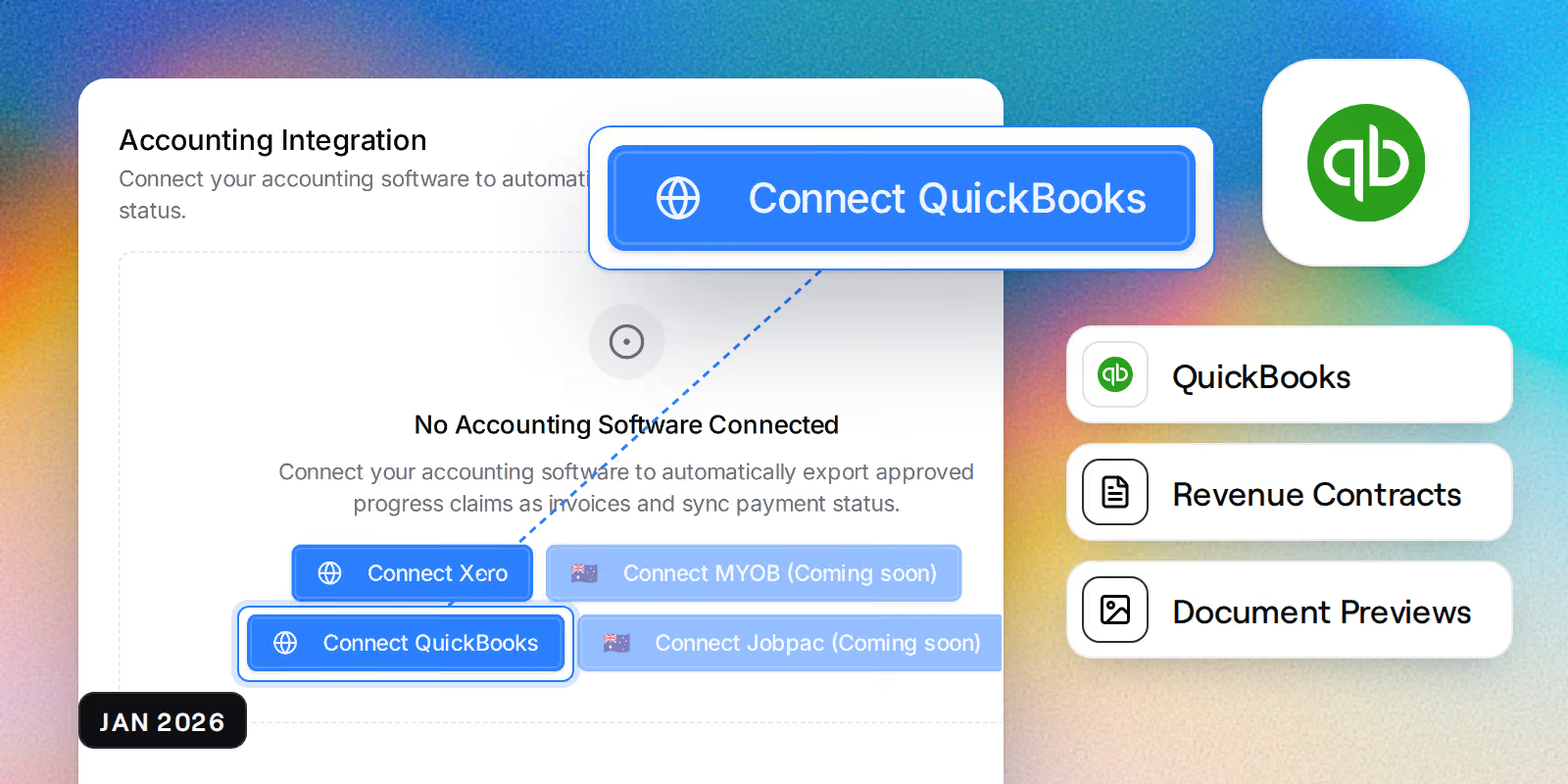
  • QuickBooks integration for syncing invoices, accounts, and tax rates
  • Budget codes can now be mapped to accounting software for progress claims
  • Revenue contracts and retention accounts fully supported
  • Drag-and-drop reordering for budget codes and contract line items
  • PDF and image thumbnails now generate automatically for uploaded documents
  • Claim status badges show pending and paid states at a glance

Security Updates

  • Tighter permission controls on contract actions and navigation
  • Reduced unnecessary background requests to improve session security

UX Improvements

  • Document viewer improved for mobile and tablet screens
  • Dark mode refinements across tabs and navigation components
  • Claim and variation sections polished for clearer workflows

Bug Fixes

  • Fixed payment schedule PDF calculations and formatting
  • Resolved document thumbnail display issues
  • Reduced app bundle size for faster initial load times

December 2025

Native mobile app launch, improved loading experience

New Features

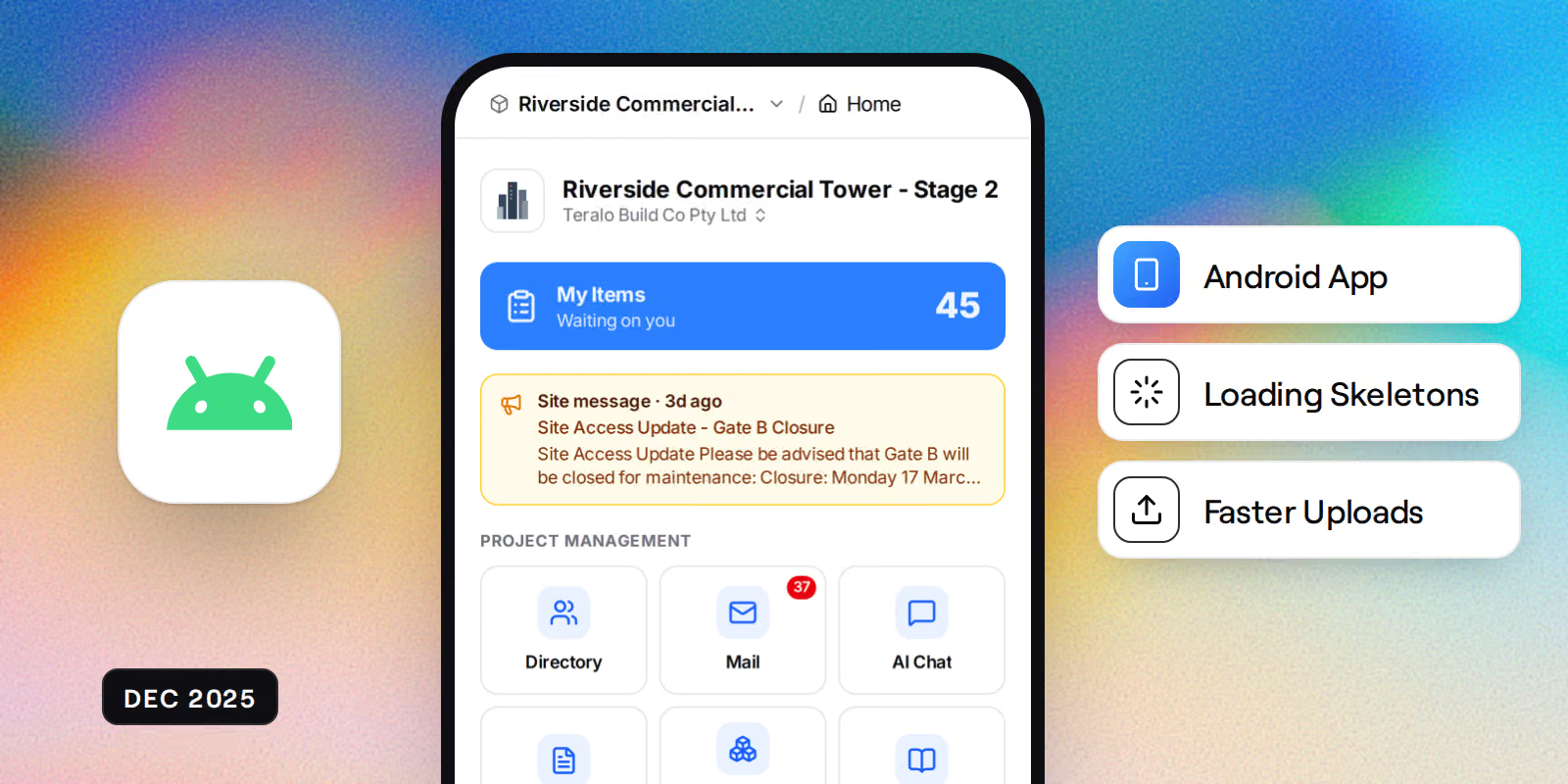
  • Native Android app now available with full functionality
  • Loading skeletons added across all data tables for smoother experience
  • Streamlined document upload workflow

Security Updates

  • Enhanced mobile authentication with secure session persistence
  • Improved OAuth login flow for native mobile apps

UI Enhancements

  • Dark mode improvements for organisation wizard and email notifications
  • Project switcher now updates instantly after logo changes

November 2025

PDF annotation tools, AI document processing

New Features

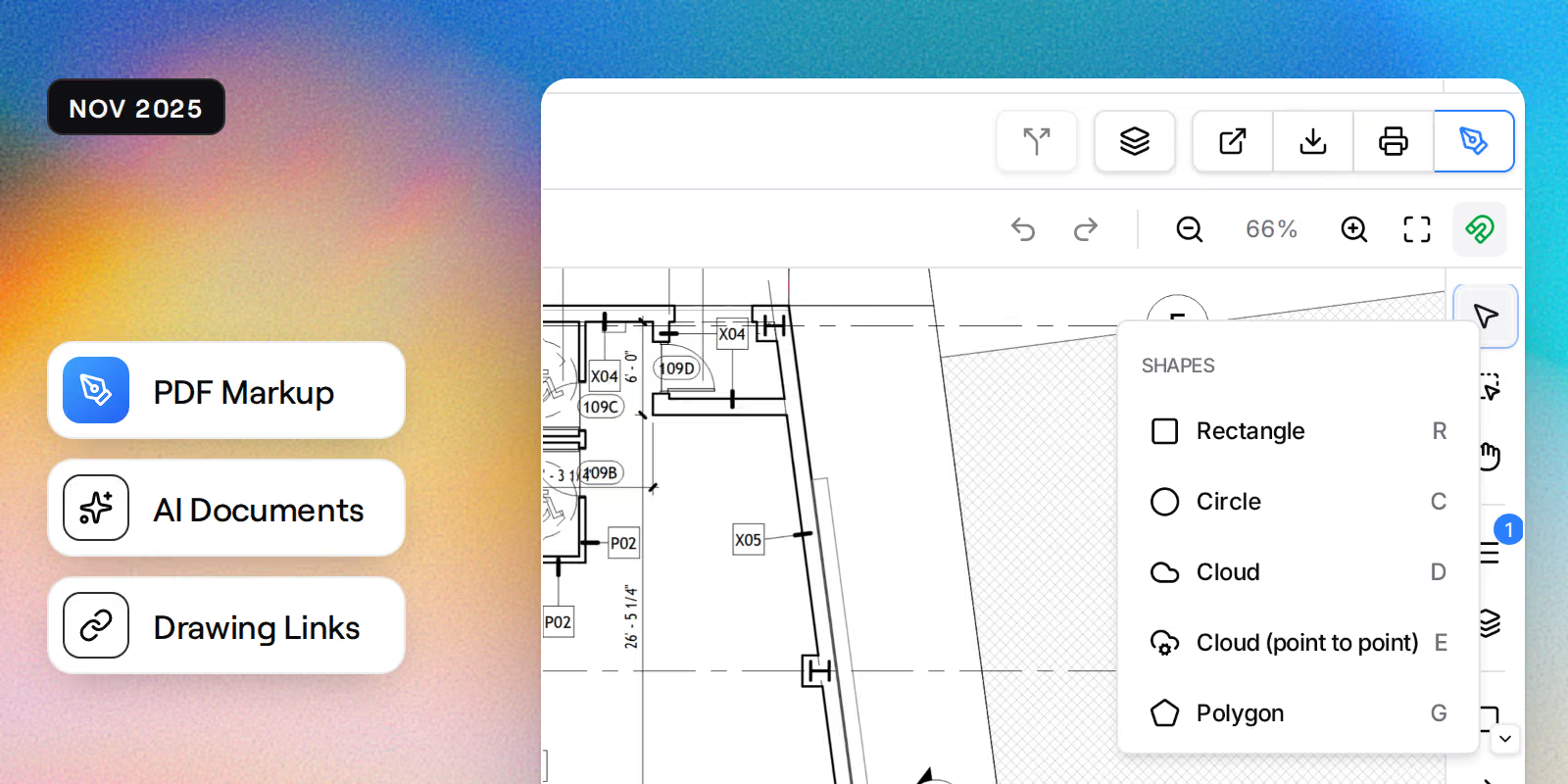
  • AI-powered document processing with status tracking and cancellation
  • Complete PDF annotation system with arrows, shapes, and text tools
  • Automatic drawing number detection with clickable links to referenced drawings
  • Projects update instantly in the sidebar after creation
  • Context menu with copy/paste support in settings

Security Updates

  • Enhanced organisation-level permissions for guest users
  • Improved permission templates with mandatory enforcement

UI Enhancements

  • Dashboard now fully responsive on mobile devices
  • Billing and payment method updates apply instantly without page reload

October 2025

Permission system overhaul, weather integration

New Features

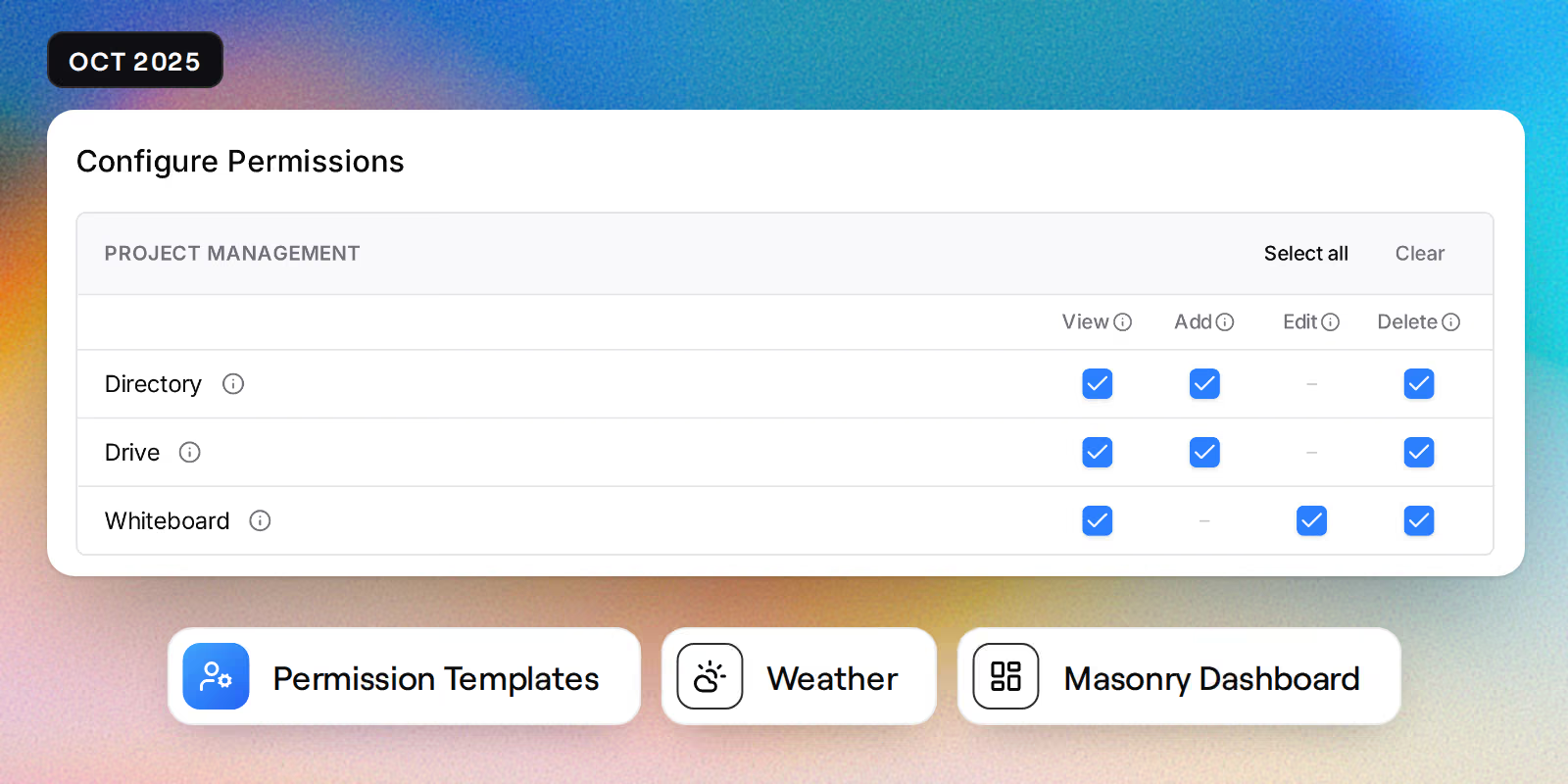
  • Comprehensive permission template system with role-based access control
  • Weather integration showing real-time conditions on your dashboard
  • New masonry-style dashboard layout with activity feed
  • Password change now requires confirmation for added security

Performance Improvements

  • Document viewer performance significantly improved
  • Permission checks now run faster with optimised database queries

UI Enhancements

  • Improved dashboard layout on tablet-sized screens
  • PDF viewer zoom now centers on your cursor position

September 2025

Contract management, security hardening

New Features

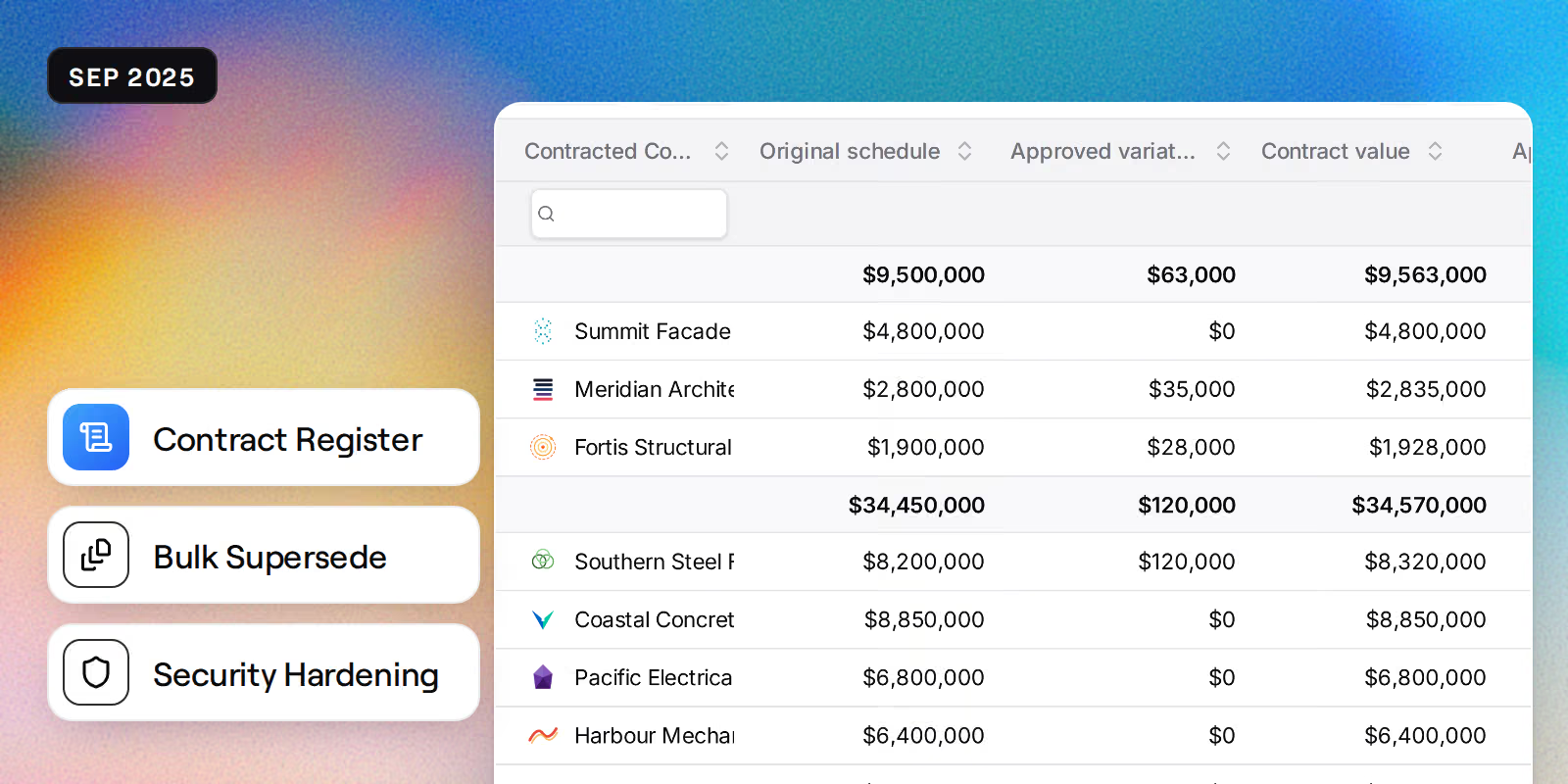
  • Bulk document supersede functionality for efficient revision management
  • Full contract register with financial metrics and classification
  • Progress claim frequency settings for contracts
  • Edit and delete actions for contract records

Security Updates

  • Comprehensive security audit completed with critical fixes applied
  • Enhanced document access controls at organisation level

UI Enhancements

  • Improved mobile responsiveness for organisation and project tools
  • Smart redirects after creating or deleting organisations

August 2025

Procurement schedule, drag-and-drop organisation

New Features

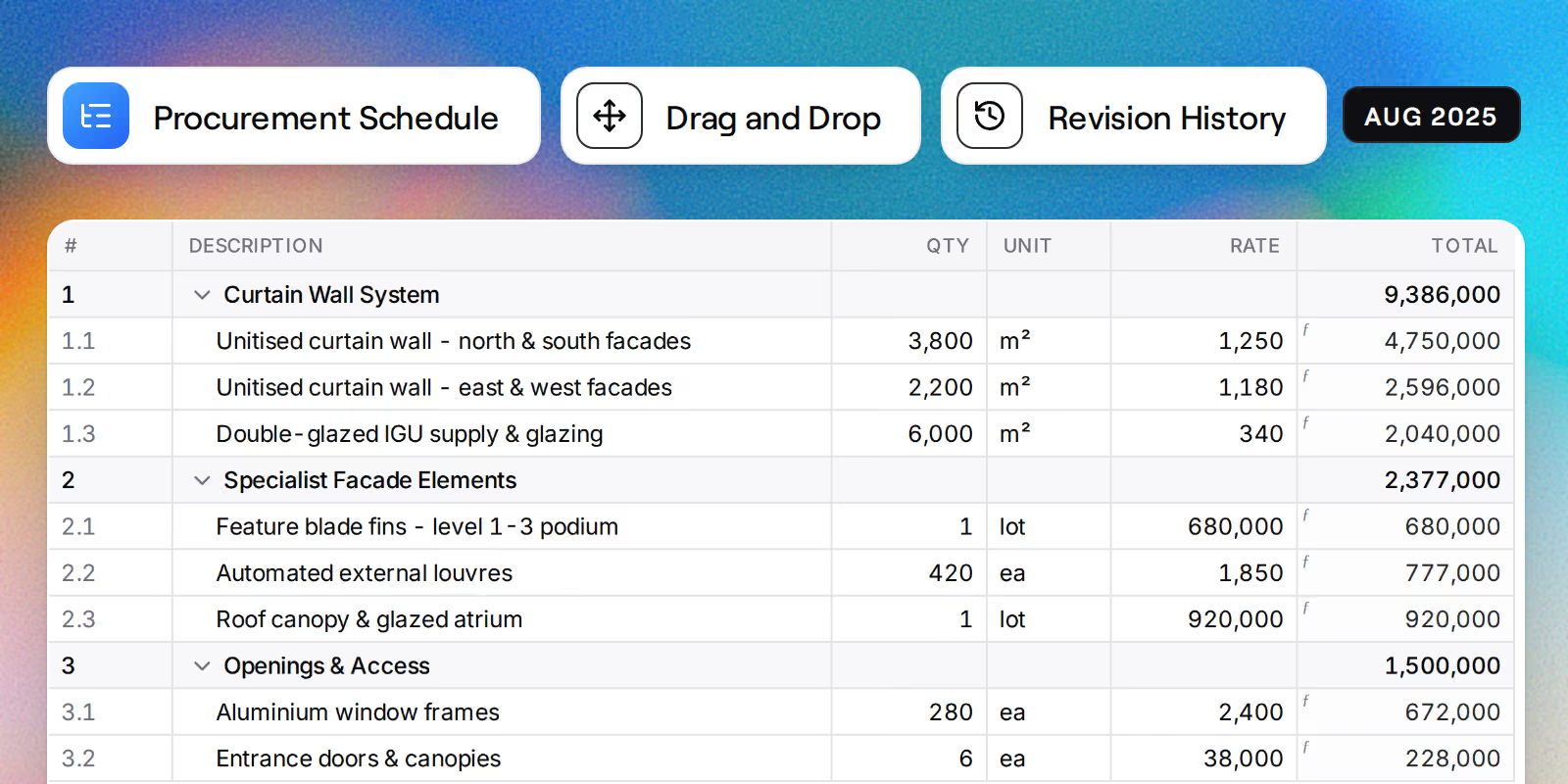
  • Procurement schedule with drag-and-drop item organisation
  • Hierarchical tree view for procurement items with nesting support
  • Revision history tracking for procurement schedules
  • Simplified user onboarding with automatic organisation assignment

Performance Improvements

  • Faster tender submission downloads with multiple view options

UI Enhancements

  • Fully responsive procurement tools for mobile devices
  • Improved navigation layout for project tools
  • Theme switching now works correctly in mobile app

July 2025

Organisation management, procurement improvements

New Features

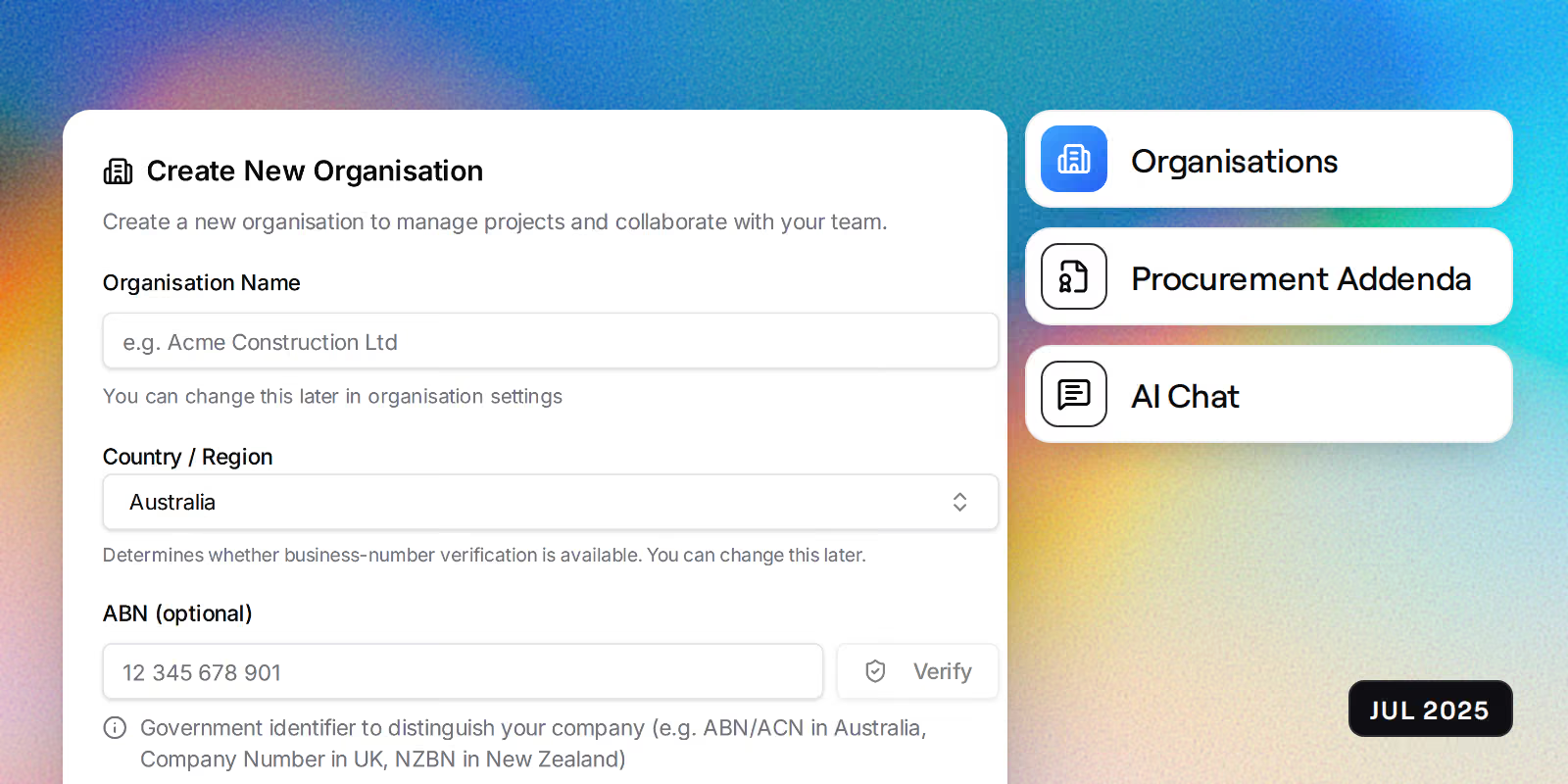
  • Create and manage organisations directly from the app
  • Procurement addendum support for contract changes
  • Improved AI chat functionality

Security Updates

  • Login buttons now show your last used sign-in method
  • Improved mobile OAuth authentication

UI Enhancements

  • Responsive tender package interface for all screen sizes
  • Improved data table selection actions
  • Procurement metrics now display in real-time

June 2025

Document workflows, billing improvements

New Features

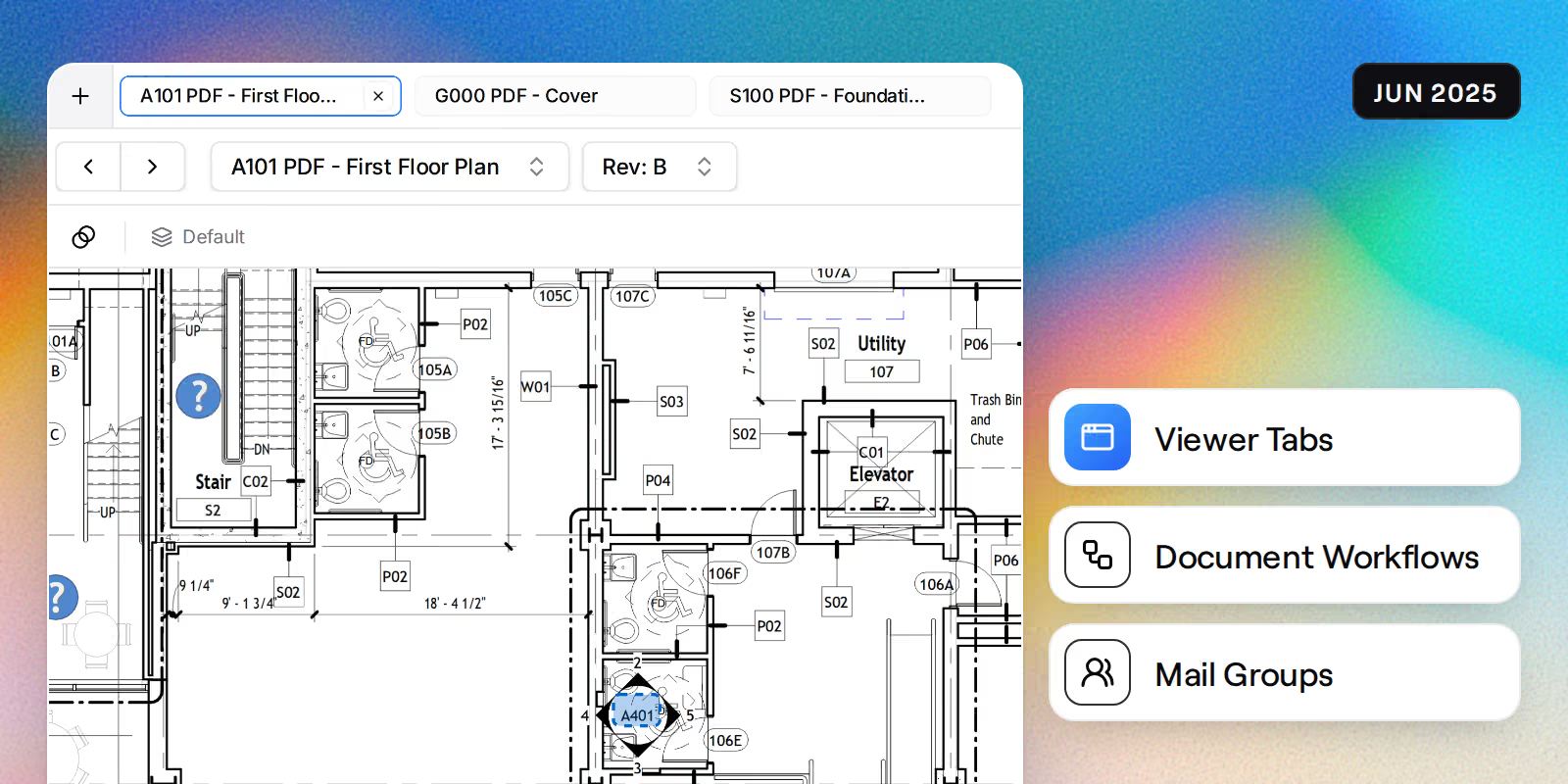
  • Document workflows with team member assignment from directory
  • Quick navigation between documents with prev/next tabs
  • Mail distribution groups for easier team communication
  • Automatic signature insertion when composing mail

UI Enhancements

  • Redesigned billing management with clearer subscription controls
  • Improved payment method management with confirmation dialogs
  • Cost code builder now fully responsive on mobile
  • Enhanced date formatting throughout the application

May 2025

Permission templates, document management

New Features

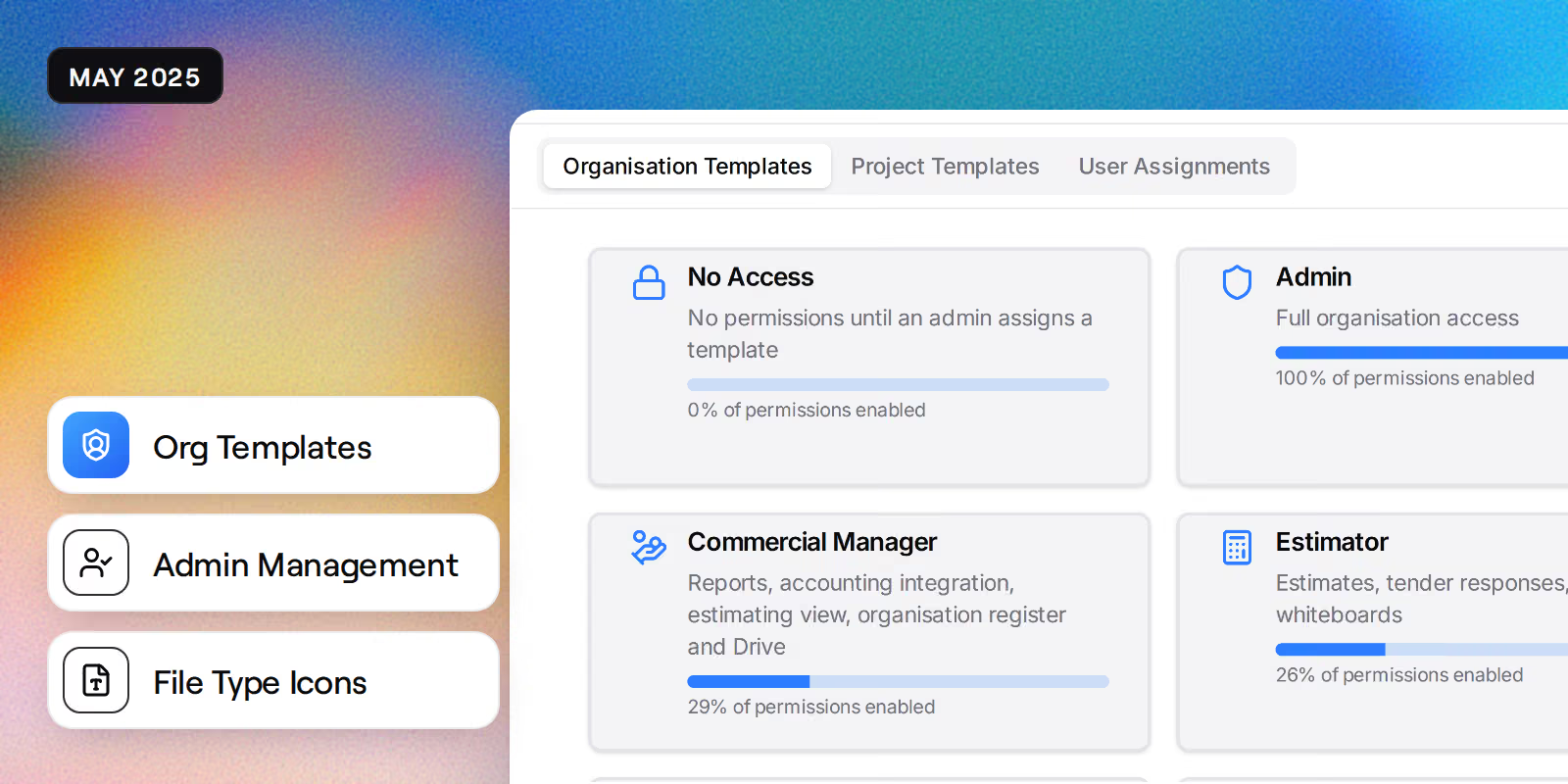
  • Organisation-level permission templates for consistent access control
  • Project and organisation administrator management
  • File type icons in document registers for easy identification
  • Visual indicators for unsaved changes during document upload

Security Updates

  • OAuth login no longer overwrites existing user profiles
  • Improved permission template management interface

UI Enhancements

  • New dashboard charts powered by LayerChart
  • Improved dark mode with refined colour palette
  • Better mobile experience for mail and document views
  • Grid view for bulk document uploads

April 2025

Document uploads, filtering improvements

New Features

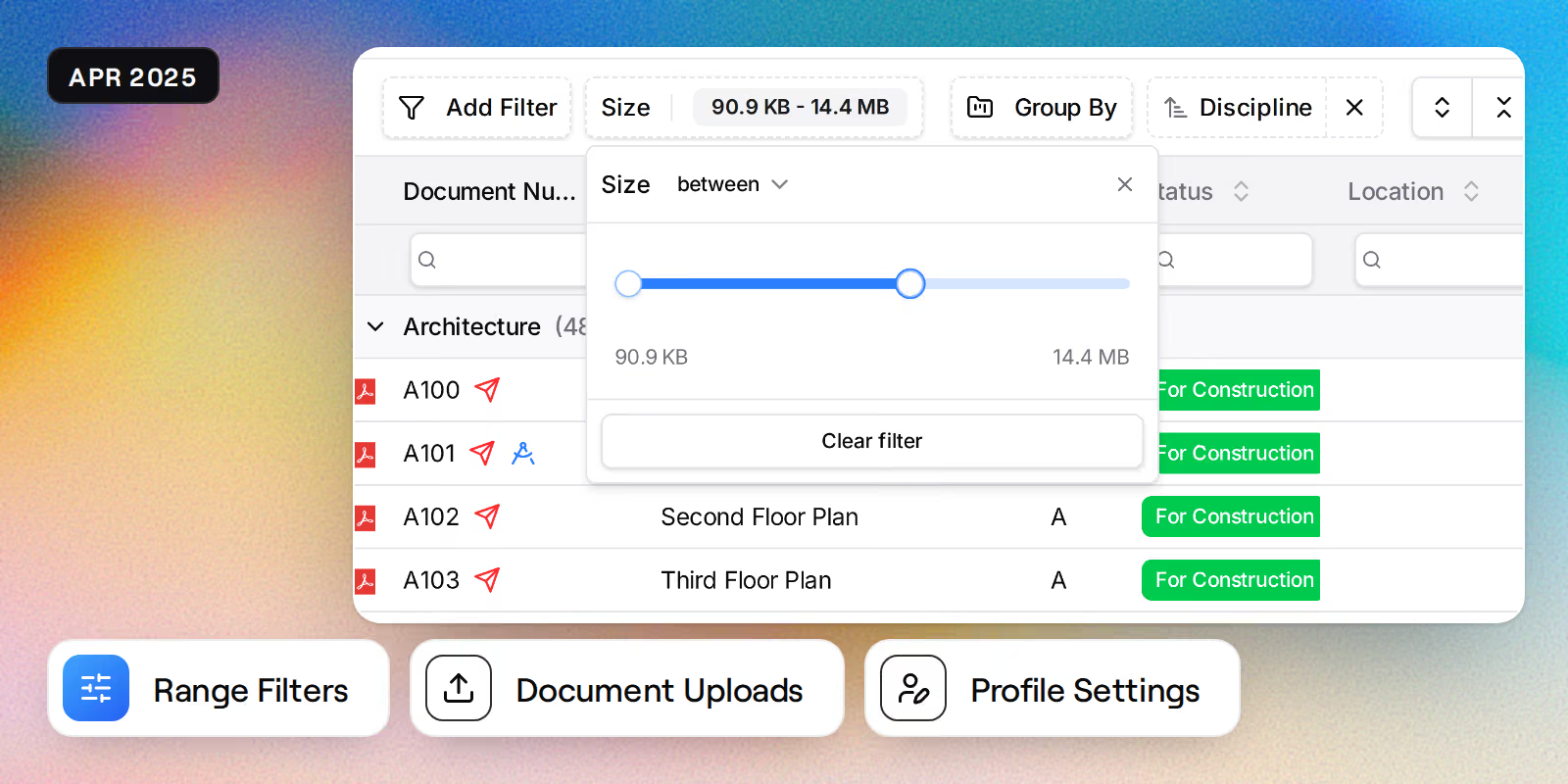
  • Range slider filtering for numeric columns in data tables
  • Improved user profile management

UI Enhancements

  • Enhanced document upload interface
  • Refined dark theme with better contrast
  • Improved filter controls with clearer labels

March 2025

Team management, UI polish

New Features

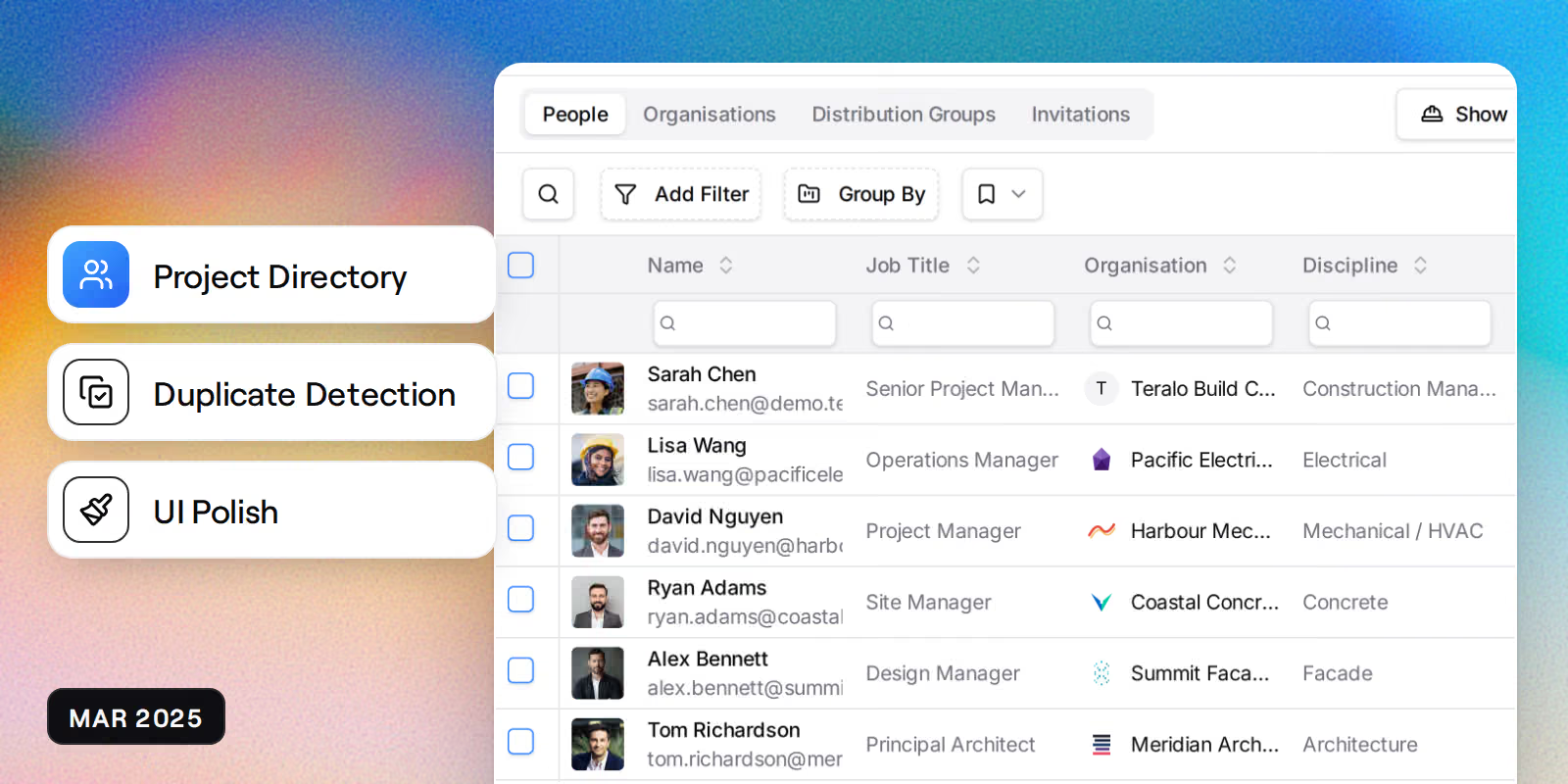
  • Duplicate team member detection when adding people to projects
  • Streamlined directory management with dedicated routes

UI Enhancements

  • Improved data table pagination on mobile
  • Eliminated theme flashing on page load

February 2025

Mail attachments, performance optimisation

New Features

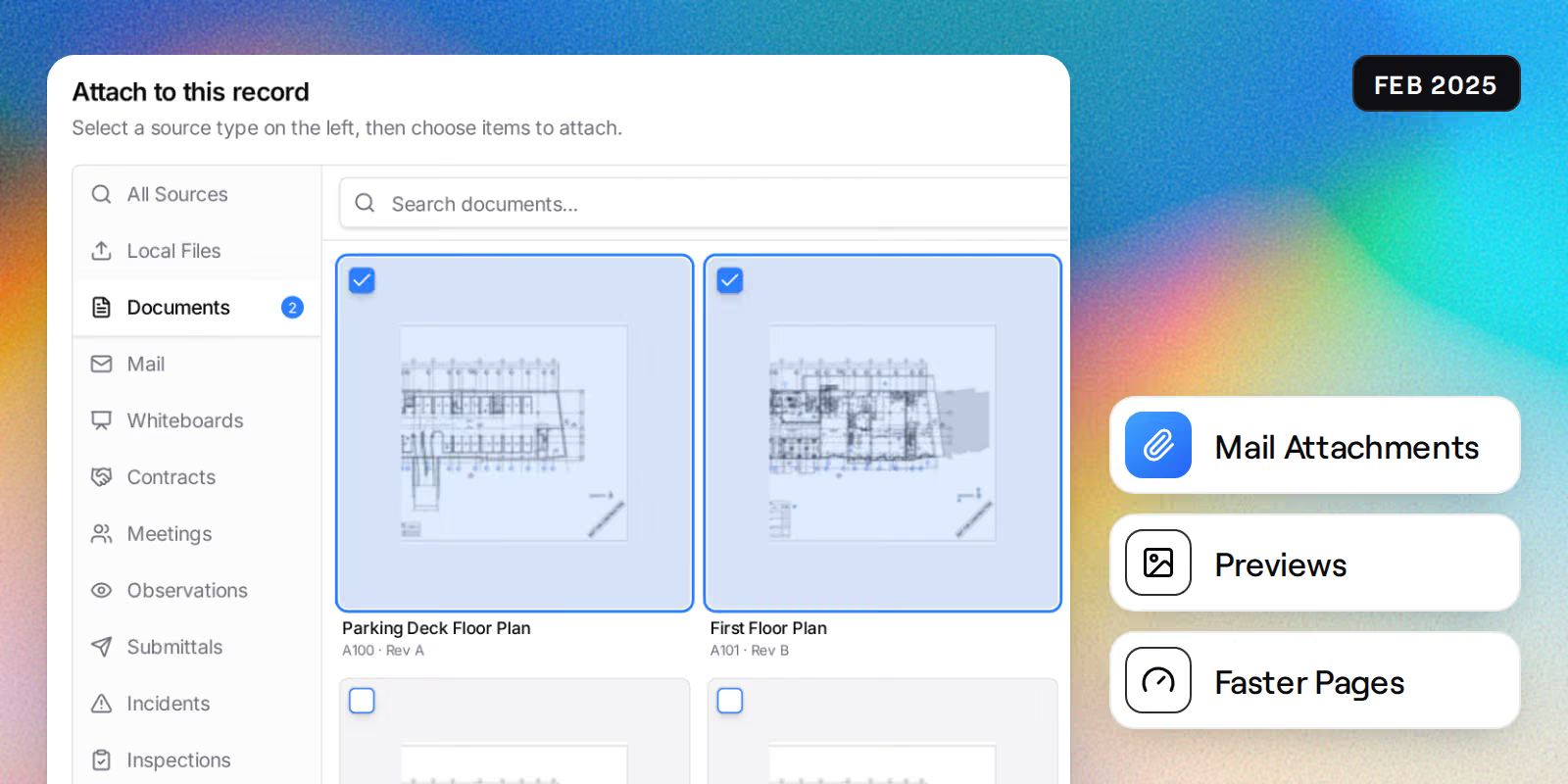
  • Document attachments in mail with preview support
  • Loading skeletons for smoother page transitions

Performance Improvements

  • Faster mail loading with optimised server queries
  • Reduced initial page load time for logged-out users

UX Improvements

  • Unsaved attachment cleanup when navigating away from compose
  • Confirmation prompt before leaving unsaved mail drafts

January 2025

File attachments, authentication improvements

New Features

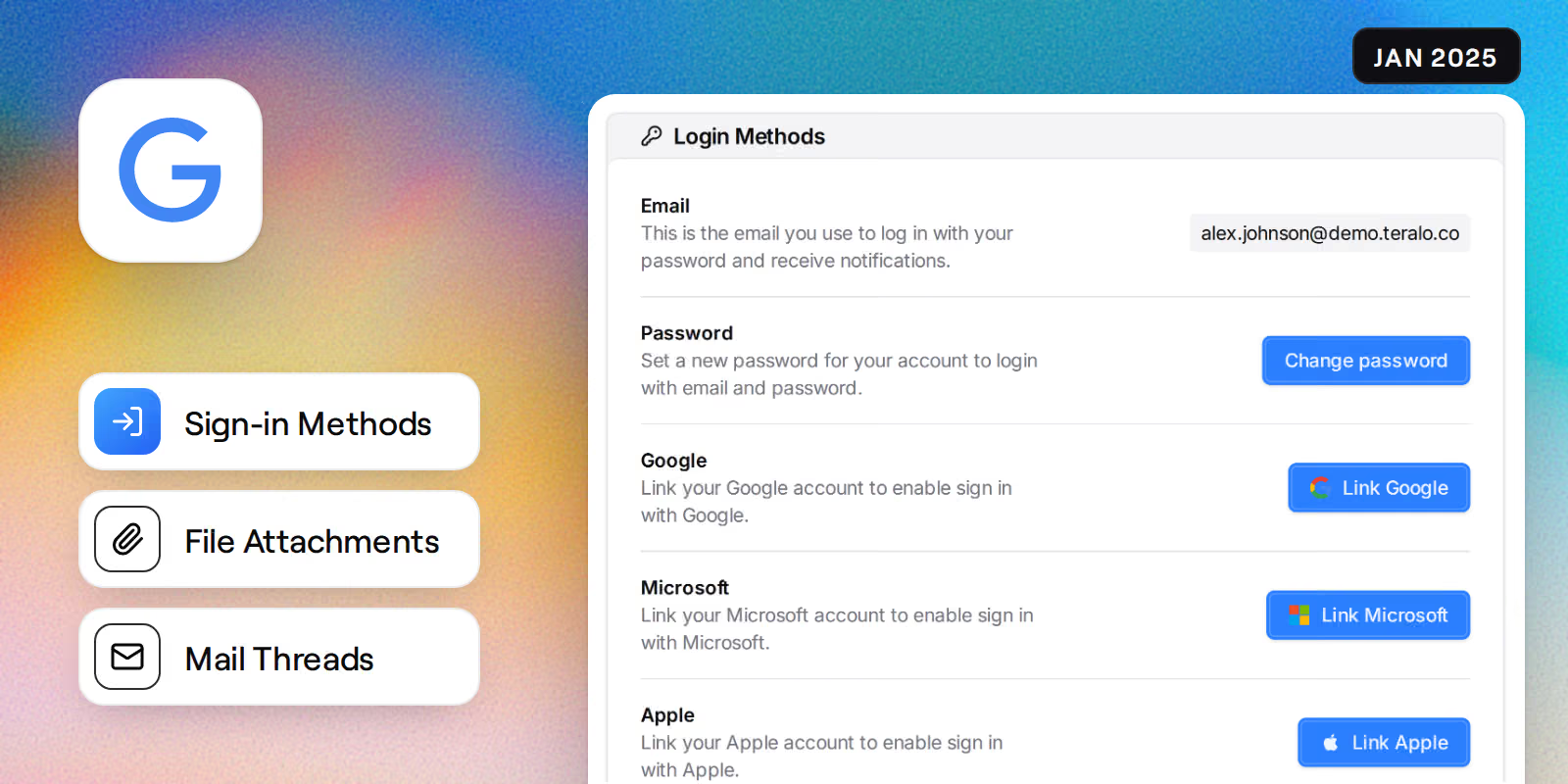
  • Secure file attachment upload and download for mail
  • Mail thread replies now properly linked to parent messages

Security Updates

  • Improved Google OAuth authentication flow
  • Enhanced authentication error handling

UI Enhancements

  • Better error messages throughout the application
  • Improved mail compose layout on smaller screens

December 2024

Mail system launch, directory features

New Features

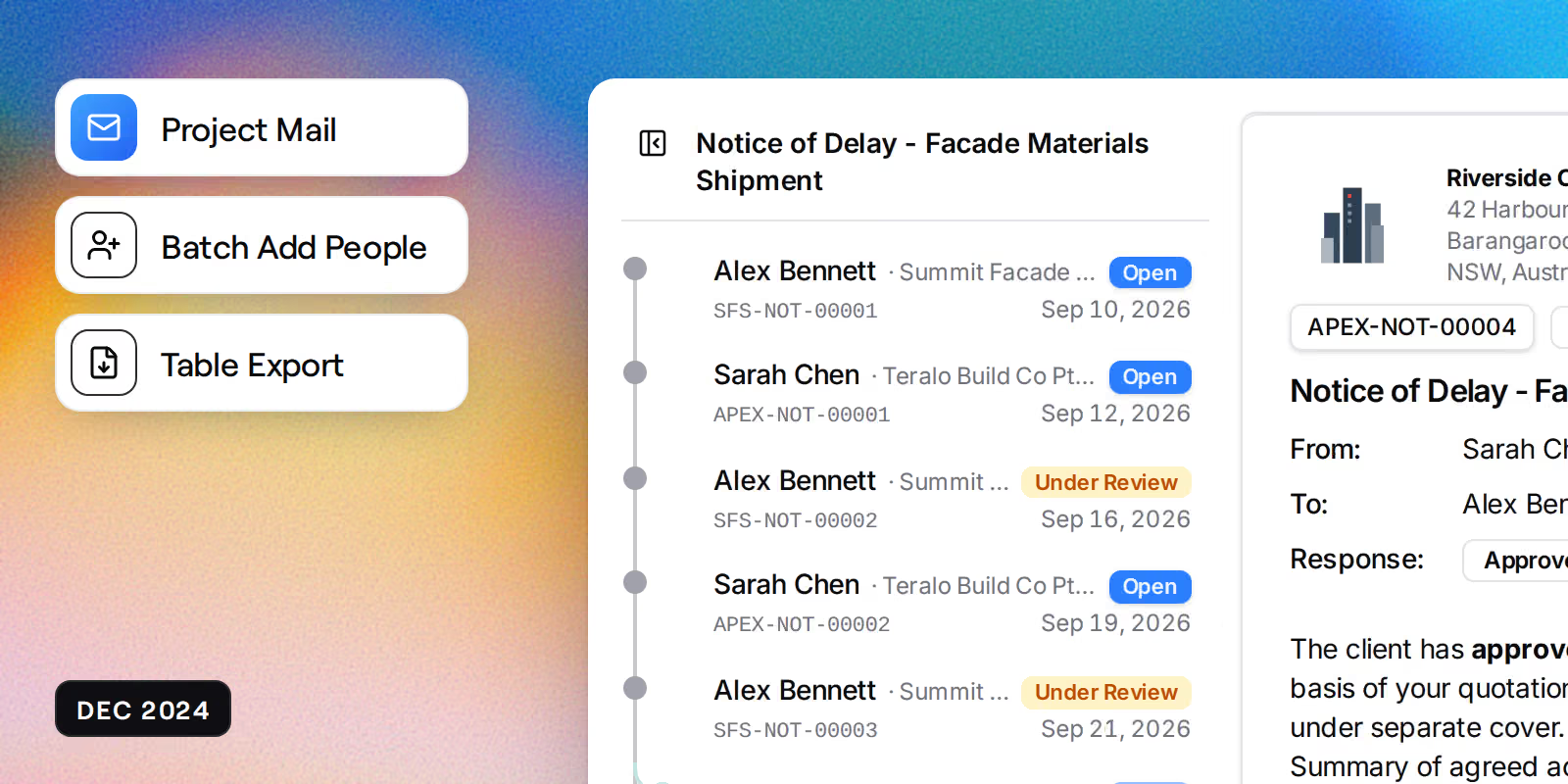
  • New mail system with compose, send, and thread views
  • User hover cards showing contact details in tables
  • Batch add multiple people to projects in one action
  • Directory filtering by organisation

Security Updates

  • Microsoft OAuth login support added

UI Enhancements

  • Responsive data tables optimised for mobile
  • Advanced filtering with unique value suggestions
  • Export functionality for data tables

November 2024

Platform launch with core features

New Features

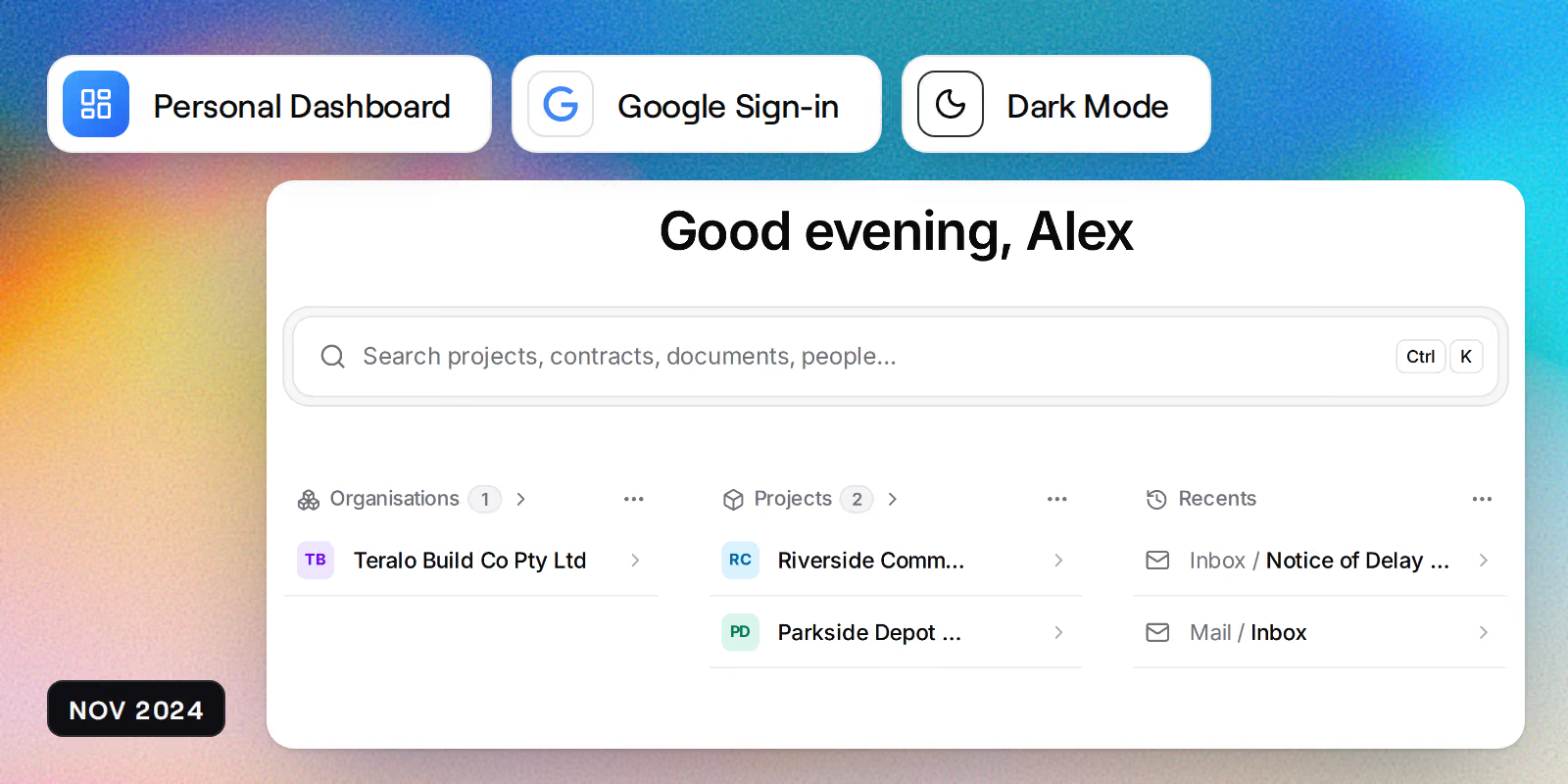
  • Google OAuth sign-in for quick account access
  • User profiles with customisable display names and avatars

UI Enhancements

  • Light and dark theme support with system preference detection
  • Project switcher with search functionality
  • Mobile-friendly sidebar navigation
  • Privacy policy and terms of service pages

UX Improvements

  • Searchable project switcher for quick navigation
  • Sidebar auto-closes after navigation on mobile