Viewers
Open PDF, DWG, IFC, image and spreadsheet files in Teralo.
Teralo opens documents in the browser, in a viewer that depends on the file type. The full viewer, opened from Documents, has tabs, split view, comparison and the markup tools.
- In the Documents register, select a row. DWG, IFC and single-page PDF files open in the viewer. Multi-page PDFs and other files open a preview.
- To open any document in the viewer, tick it in the register and select View Selected, or open its page and select Open in Viewer.
Files attached elsewhere, such as to mail or an inspection, open in a preview without tabs, split view or markups. Procurement previews only PDFs, images and spreadsheets.
Opens with pages, zoom, pan and the markup tools. To search the text in documents, use the search at the top of Teralo (Ctrl+K, or ⌘K on a Mac).
Opens in the CAD viewer, with the measuring tools. Only one DWG renders at a time: another waits, showing "Another DWG viewer is active", until you switch away from the first. On a phone, a DWG shows Open on desktop.
DXF files can be uploaded and stored, but have no viewer.
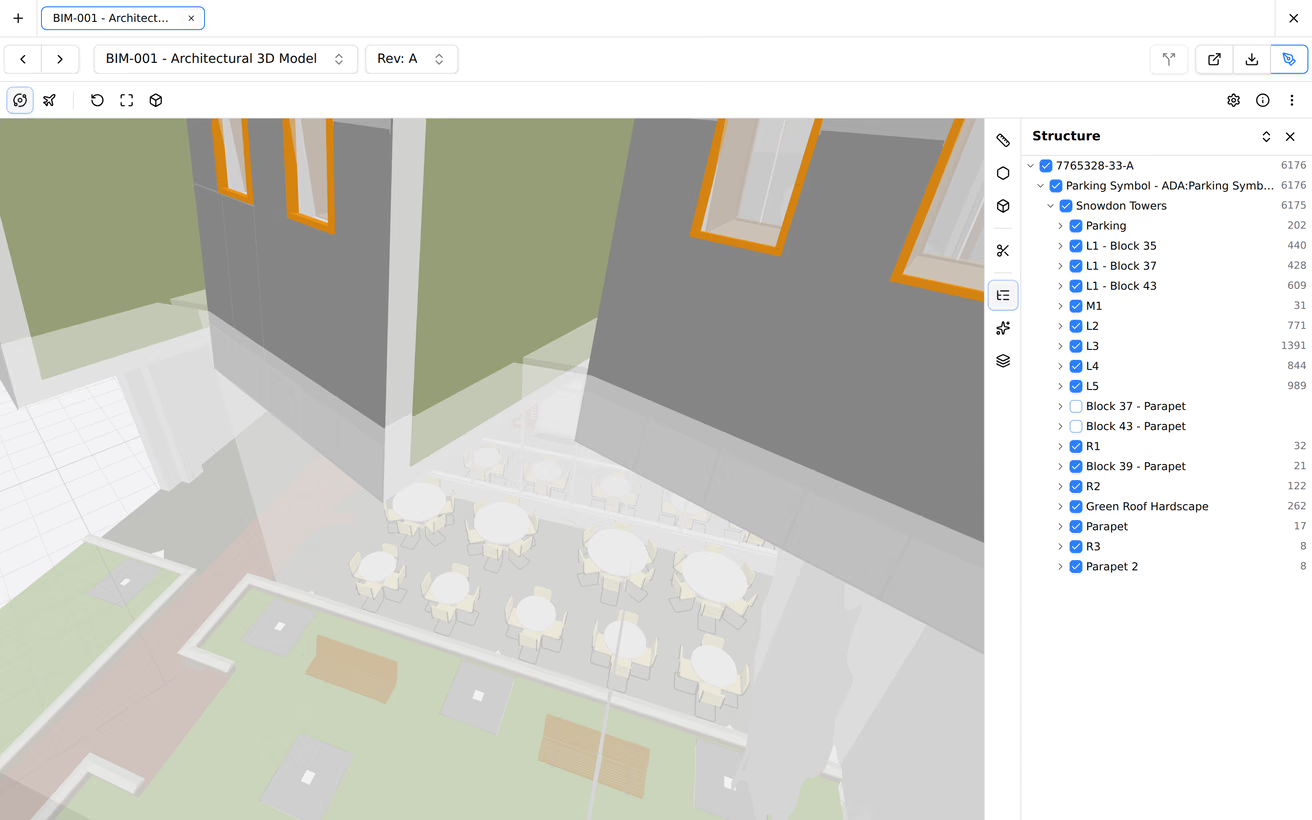
Opens in a 3D model viewer.
XLSX, XLS and CSV files open in a spreadsheet viewer. To change sheet, use the Sheet: list.
JPG, PNG, GIF and WebP files open directly.
Other files, including Word documents, show "Preview not available for this file type", with Open in New Tab and Download.
Each document opens in a tab, and each tab keeps its own page, zoom and tool.
- To open another document, select the plus icon, then Select Document.
- To move through the register's documents, use the previous and next arrows beside the document's name.
- To open another revision, use the Rev list. Current and Obsolete mark each revision.

- Open two documents in tabs.
- Select the split icon, Split View. On a phone, it's in the three-dot menu.
The documents sit side by side, in panes marked L and R, each with its own controls. Drag the divider to resize them. To finish, select Exit split view. Two DWGs can't both render in split view.

- Open a PDF in the viewer.
- Select the layers icon, Compare with previous revision, and choose the revision.
Teralo overlays the two revisions on one drawing. To finish, select Exit overlay compare.
The viewer's download button offers Download PDF, Download with Markups, Export markups (CSV) and Export markups (PDF). The print button offers Print PDF and Print with Markups.
A file can be up to 5GB. Files of 500MB or more upload in parts, and if one part fails, the whole file has to be uploaded again.
The viewers work in the mobile app, except for DWG files.
To open a document offline, make it available offline first, in the mobile or desktop app. Only PDFs, images and XLSX files can be made available offline, up to 1GB each, and Teralo asks first for a file over 100MB. Learn more about working offline.